Meeting room, video conferencing and audiovisual solutions designed to enhance workplace collaboration and improve the meeting experience. We deliver industry-leading audiovisual hardware and technology, with a focus on making meetings, workshops and training sessions easier, smoother and better.
Enterprise Video Conferencing Solutions for Effortless Workplace Collaboration
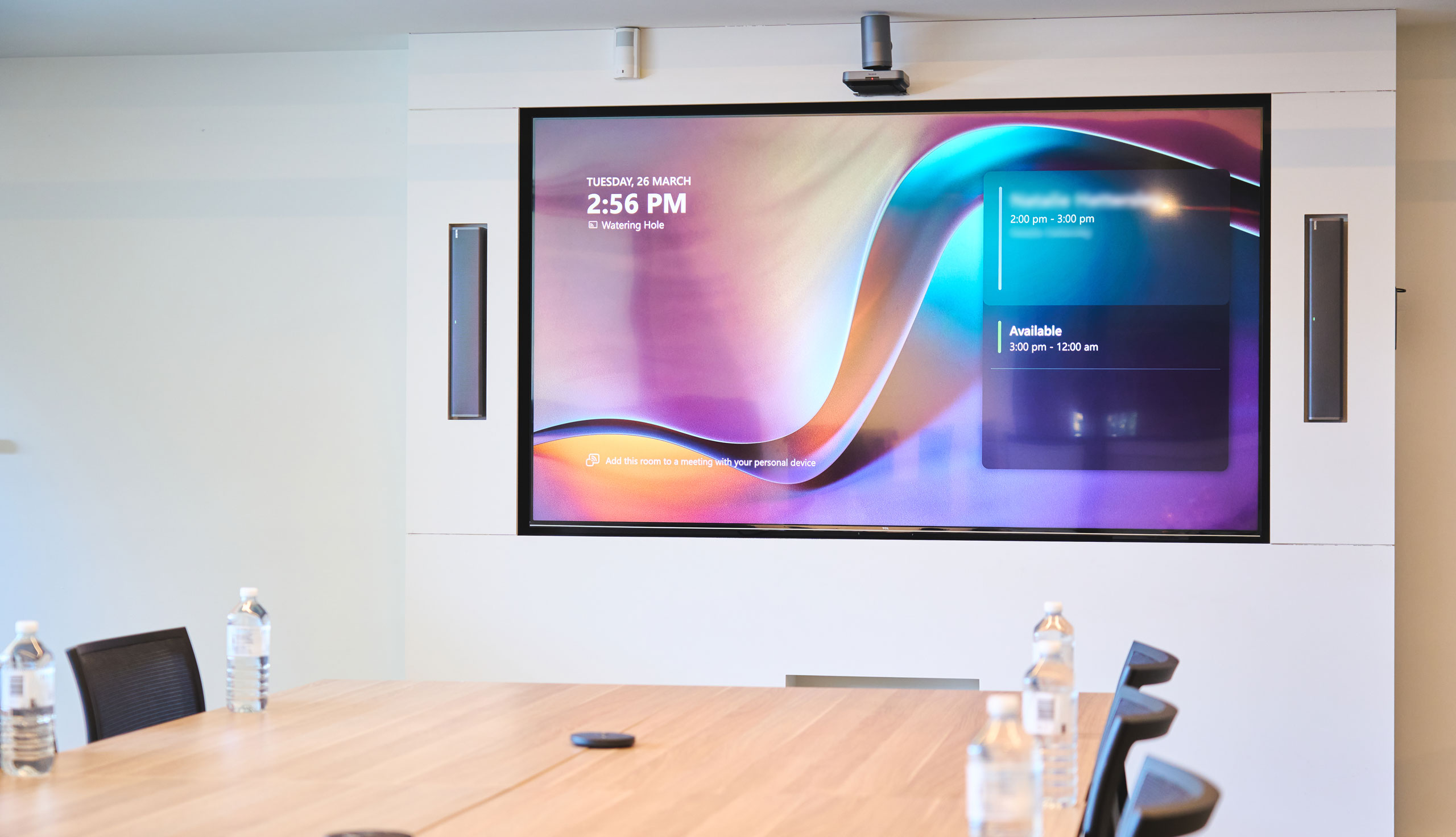
Seamless Collaboration, Where Ease Meets Every Room and Space
Engagis simplifies your meeting room and audiovisual technology needs. We offer preconfigured, easy-to-use video conferencing and audiovisual solutions that take the guesswork out of choosing from the many options in the market. Whether it’s for huddle spaces, board rooms, training rooms, or any other corporate function space, our goal is to provide large Australian workplaces with meeting room solutions that are easy to use.
Where “off the shelf” doesn’t meet your needs, custom-engineered solutions can be tailored to specific, more complex requirements. At Engagis, you get the best of both worlds.
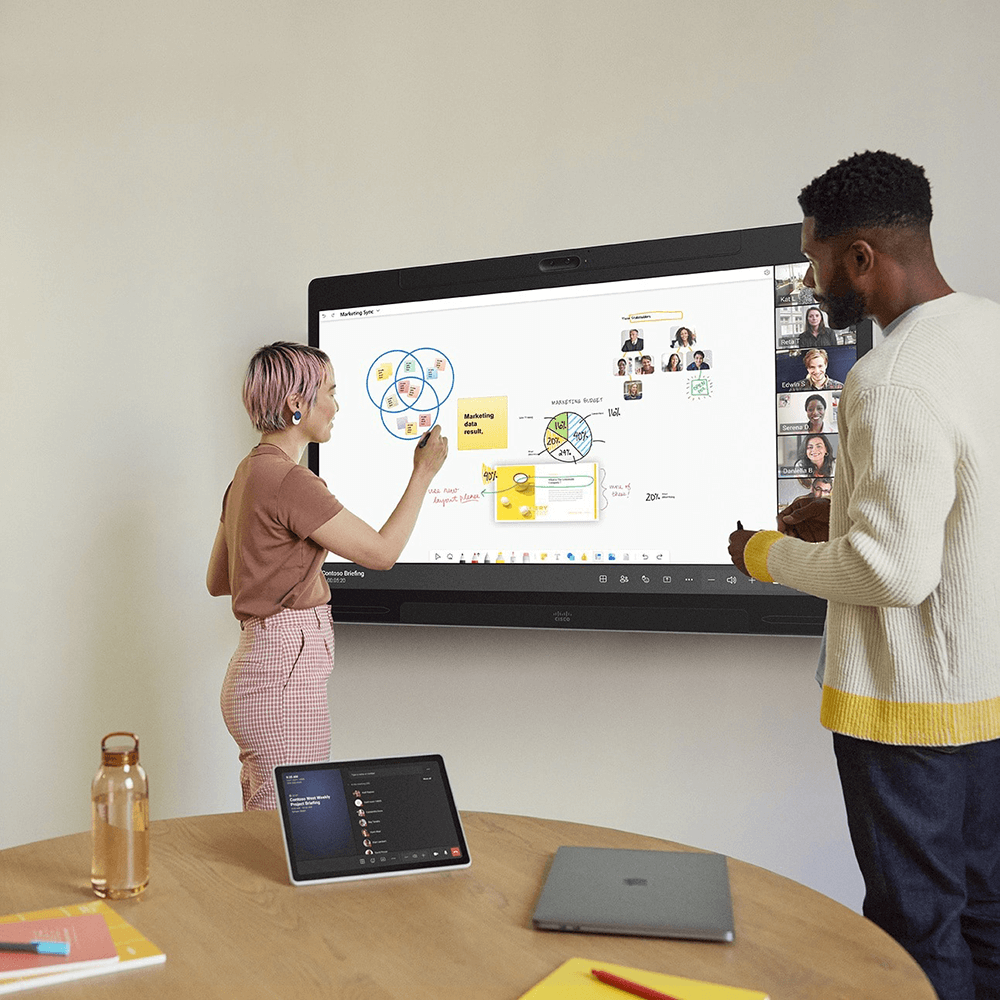
Microsoft Teams on Cisco
Find out how we can help you upgrade your meeting room technology to Microsoft Teams on Cisco. Microsoft Teams on Cisco delivers superiority across enterprise-grade security, integration, AI-powered collaboration and interoperability.
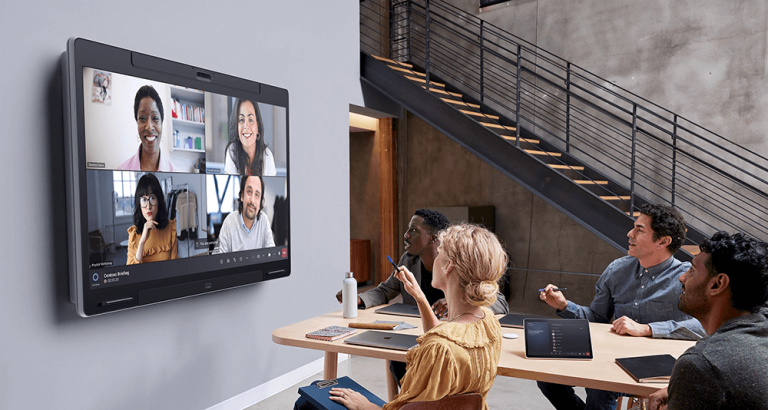
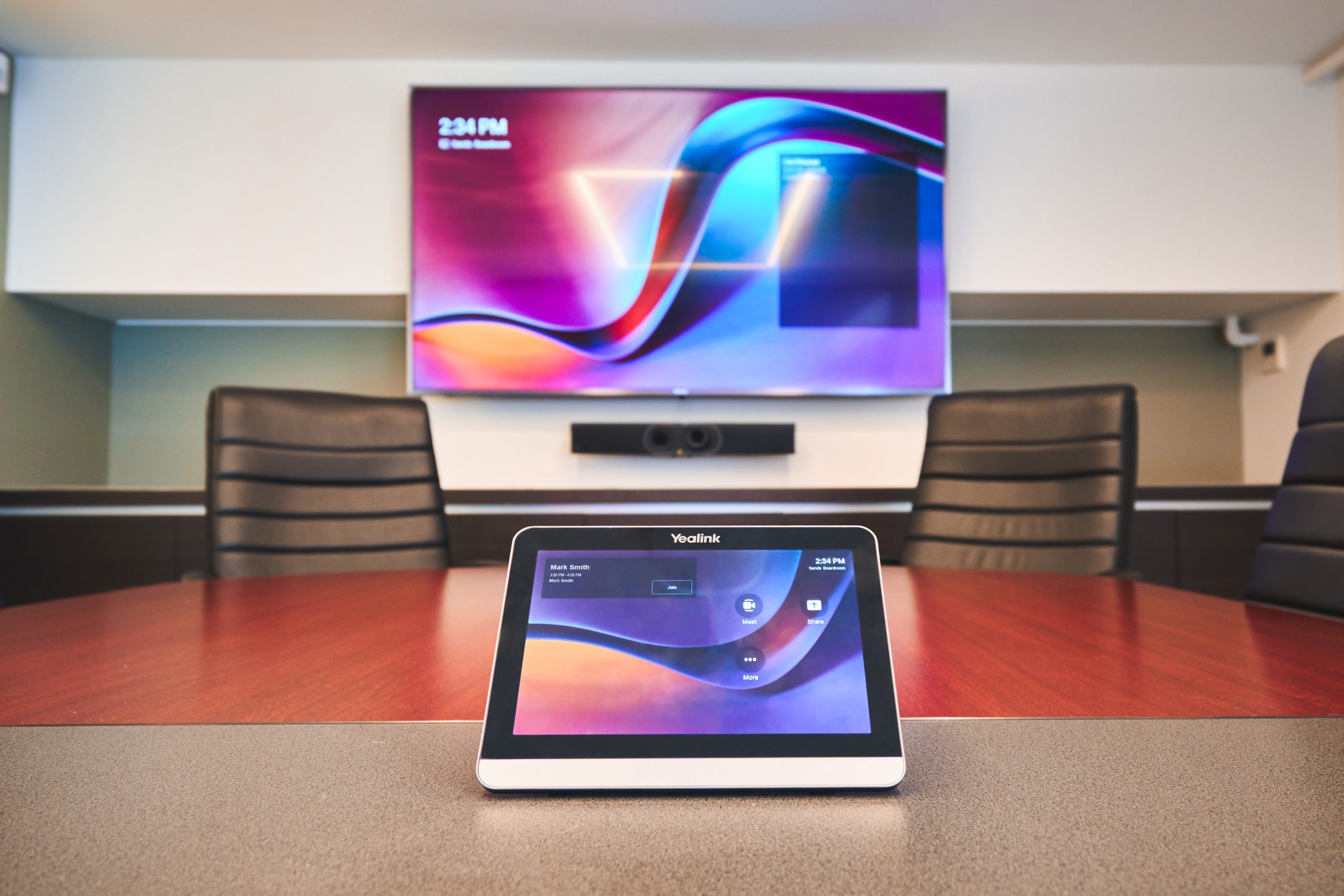
Microsoft Teams Rooms & Zoom Rooms
- We specialise in delivering Microsoft Teams Rooms and Zoom Rooms for hybrid workplaces that want to improve collaboration.
- Simpler, more cost-effective “bring your own device” (BYOD) rooms give your staff and guests greater flexibility when interacting in your spaces.
- We also provide solutions that integrate with your existing unified communications (UC) platforms, including Cisco Webex and Google Meet.
Recommended Brands
We rigorously QA-test certified MTR and video conferencing hardware brands to ensure quality. Our tailored recommendations support a wide range of needs and solutions, with “ease-of-use” always our top priority.











Benefits of Our AV Collaboration Solutions
Trusted by Australia’s leading organisations


















Effortless Meetings, In Every Room and Space
Making collaboration easier with fit-for-purpose solutions for your meeting rooms and corporate spaces.
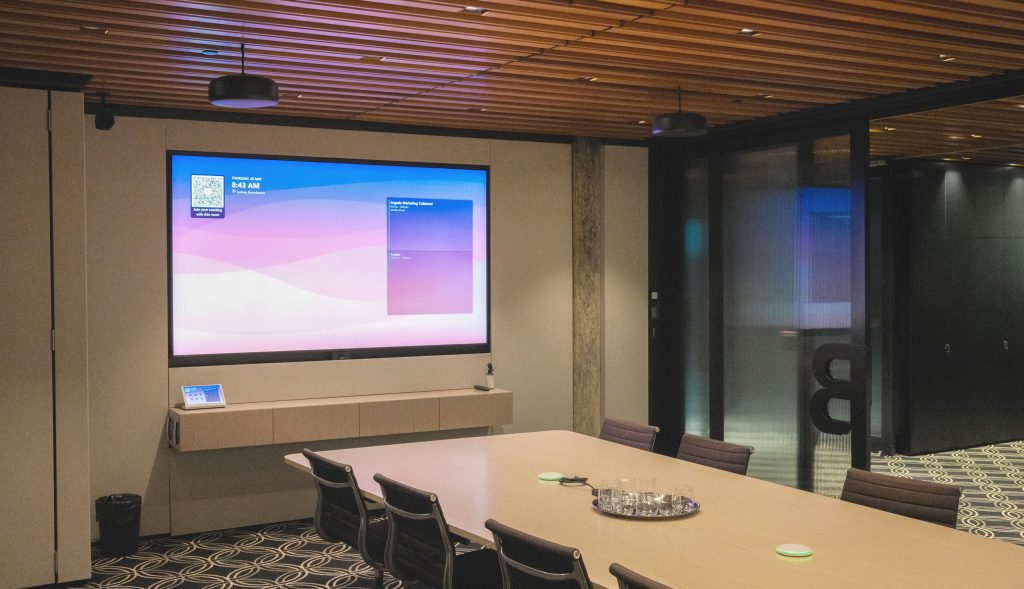
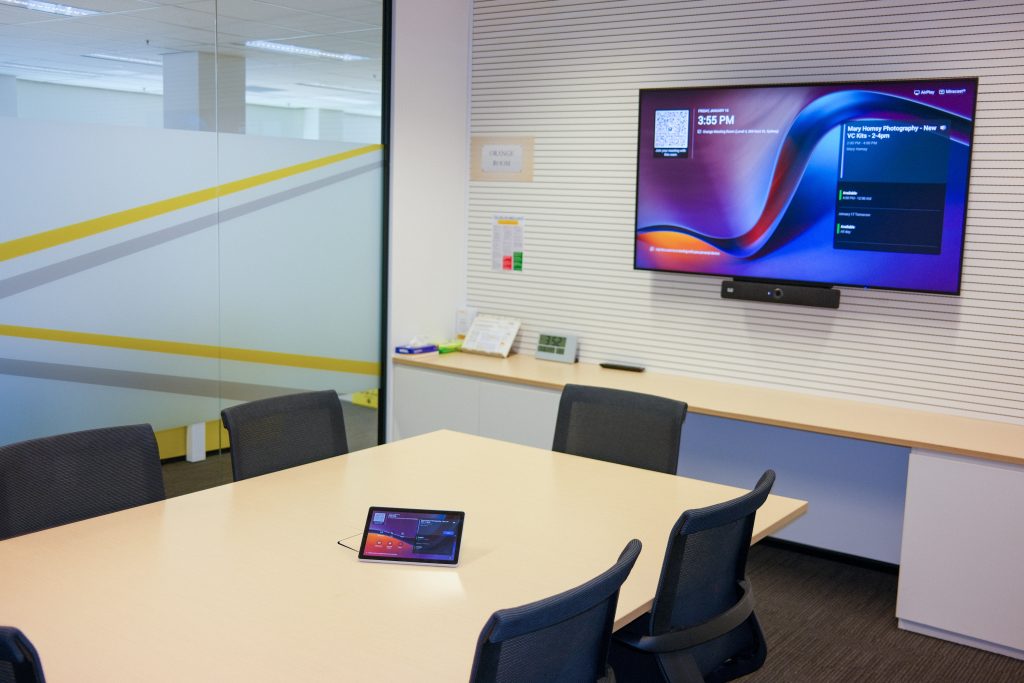
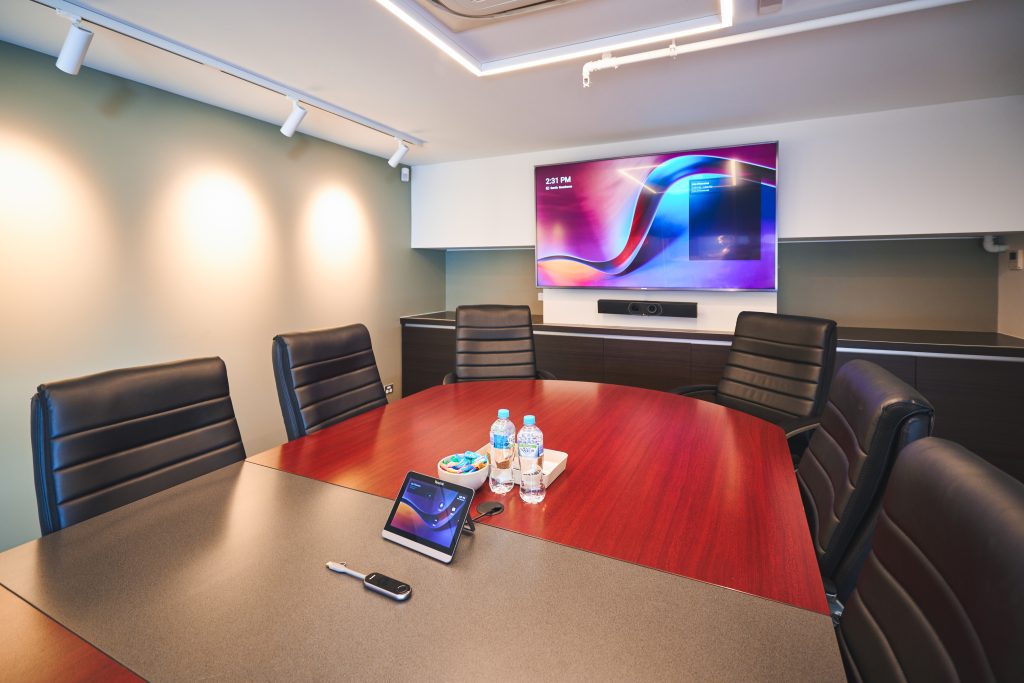
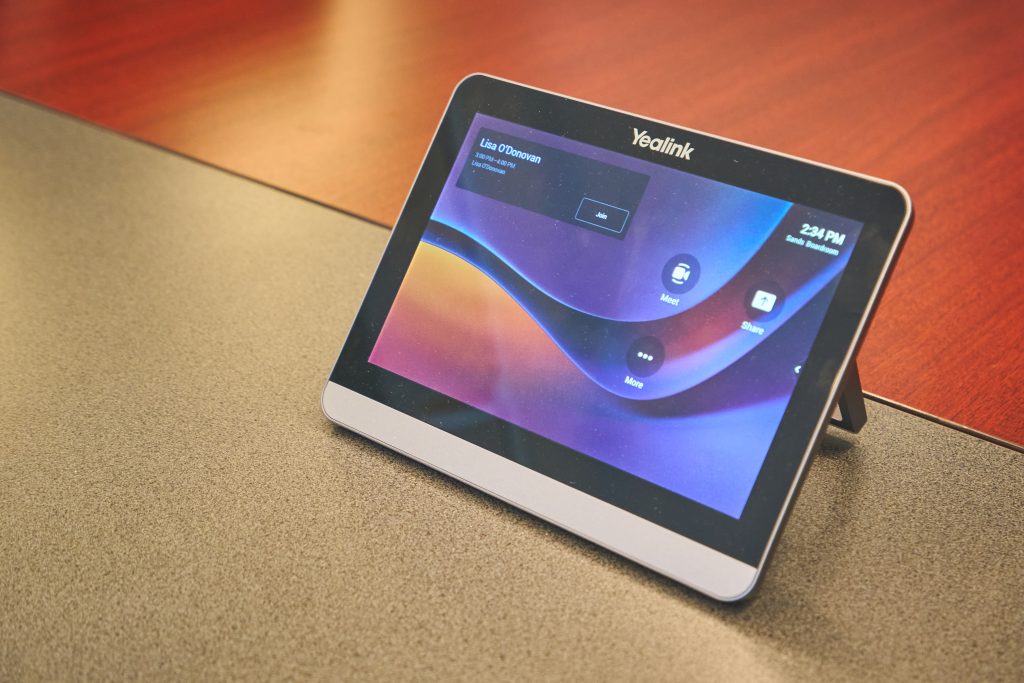
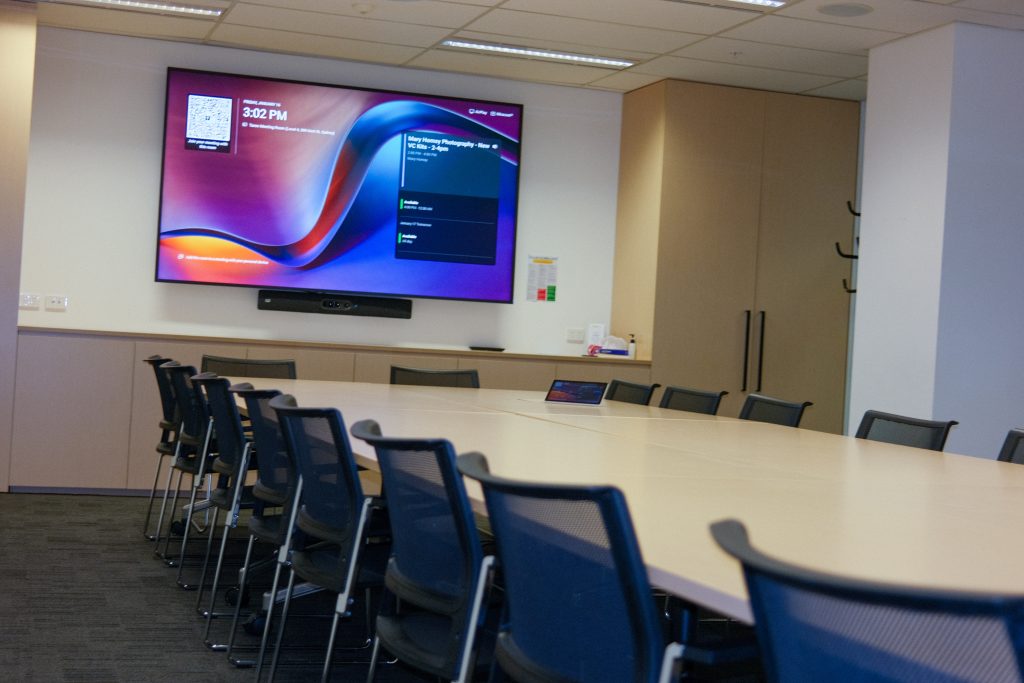
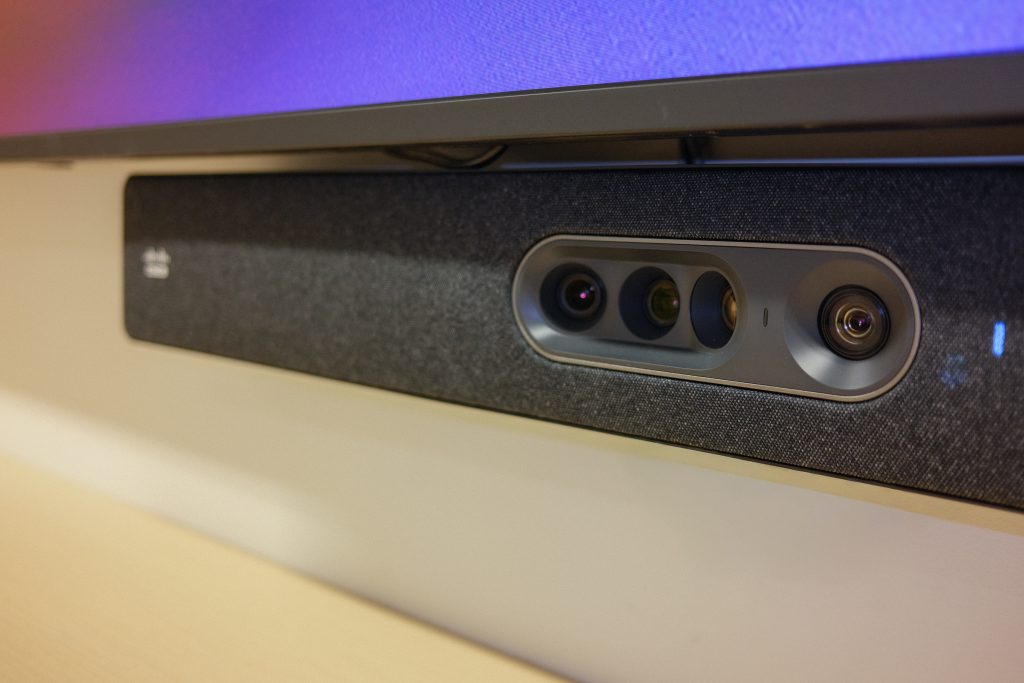
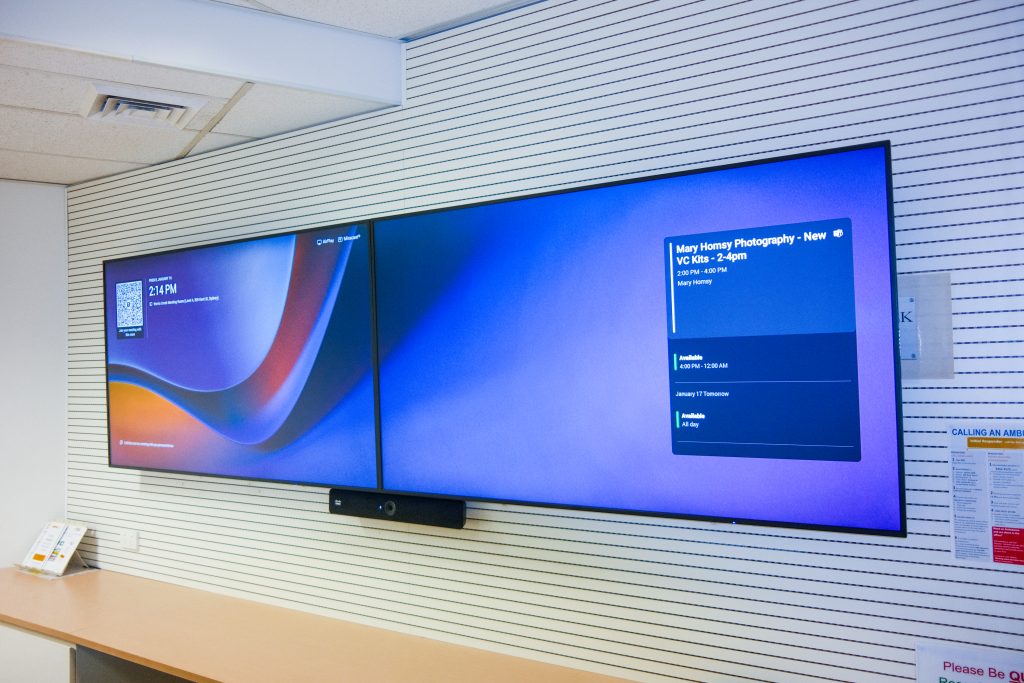

Meeting Rooms
Video conferencing, and audiovisual solutions designed to enhance workplace collaboration and elevate the meeting experience for every type of meeting space.
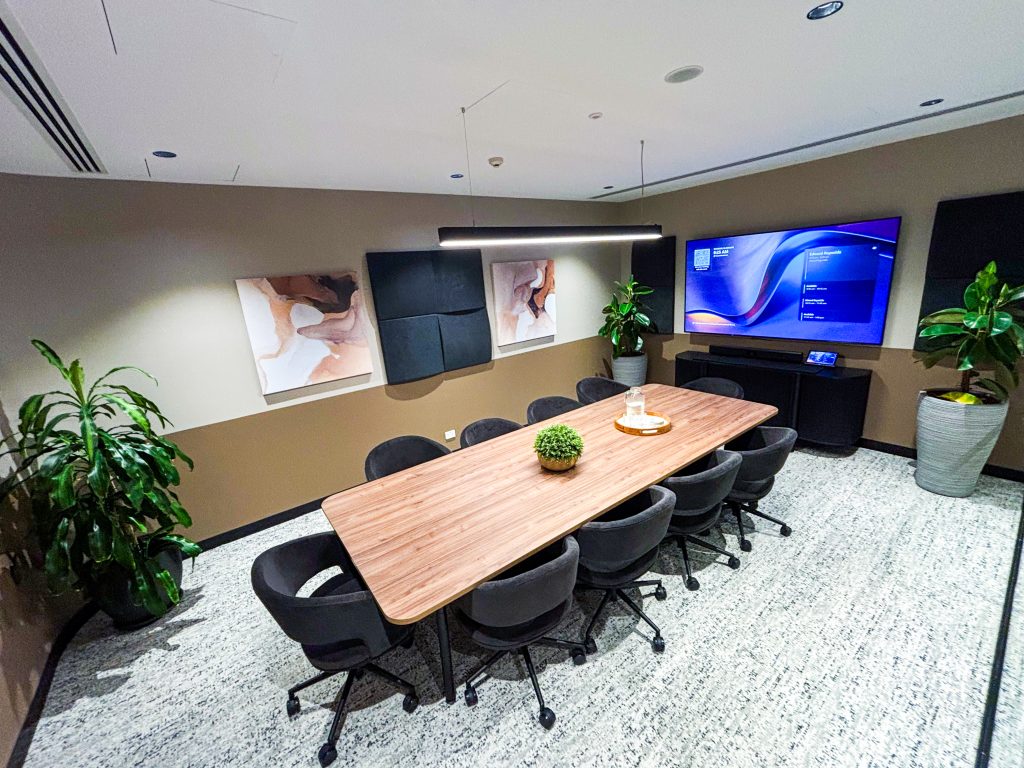
Training Spaces
Video conferencing and audiovisual technology to improve workplace collaboration and training.
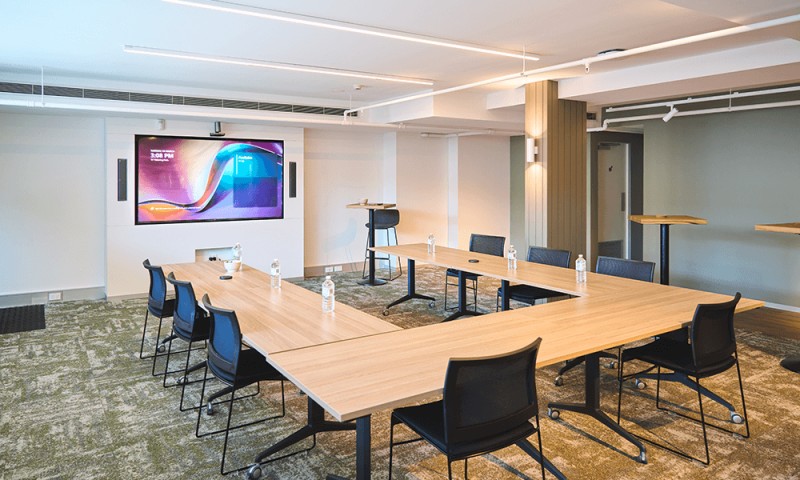
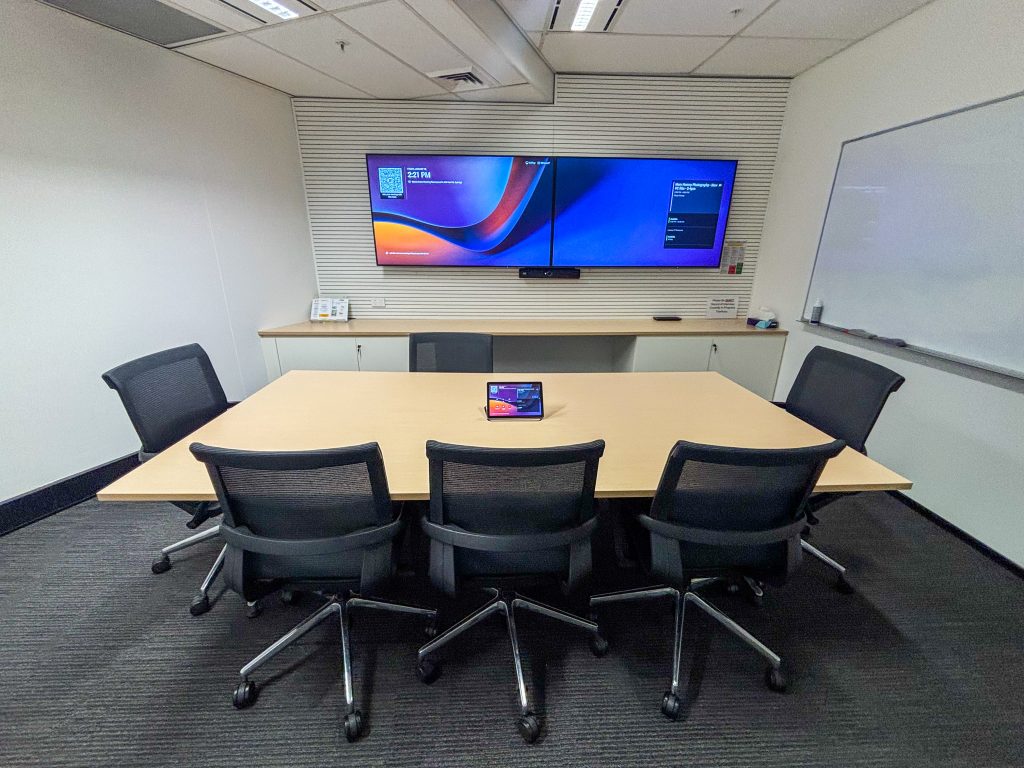
Town Hall Spaces
We deliver fit-for-purpose audiovisual hardware, with a focus on making town halls, all-hands meetings and large-scale presentations easier, smoother and better.
Why Choose Engagis
As an end-to-end provider of audiovisual and video conferencing solutions, our solutions are guaranteed to improve your workplace and meeting spaces.
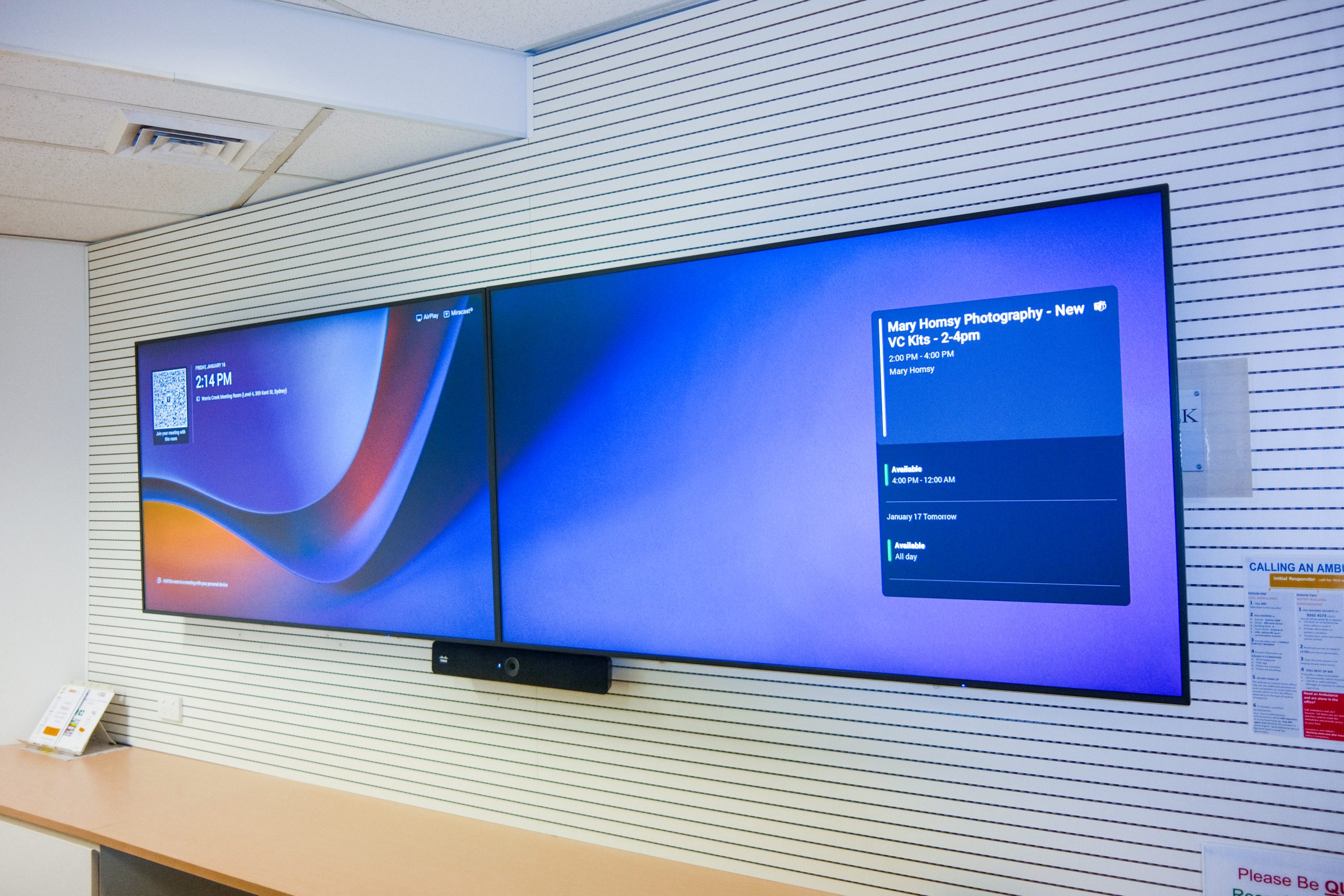
Our Commitment to Quality
Quality is at the heart of everything we do. We provide the best fit-for-purpose hardware, and every product goes through a rigorous testing process to ensure optimal performance for your staff and stakeholders.
24+ Years of Expertise
Our team has over 24 years of experience working with some of Australia’s biggest brands. We’re highly skilled, certified and approachable – ready to assist at every stage, from solution design through to ongoing support.

What Our Customers Are Saying
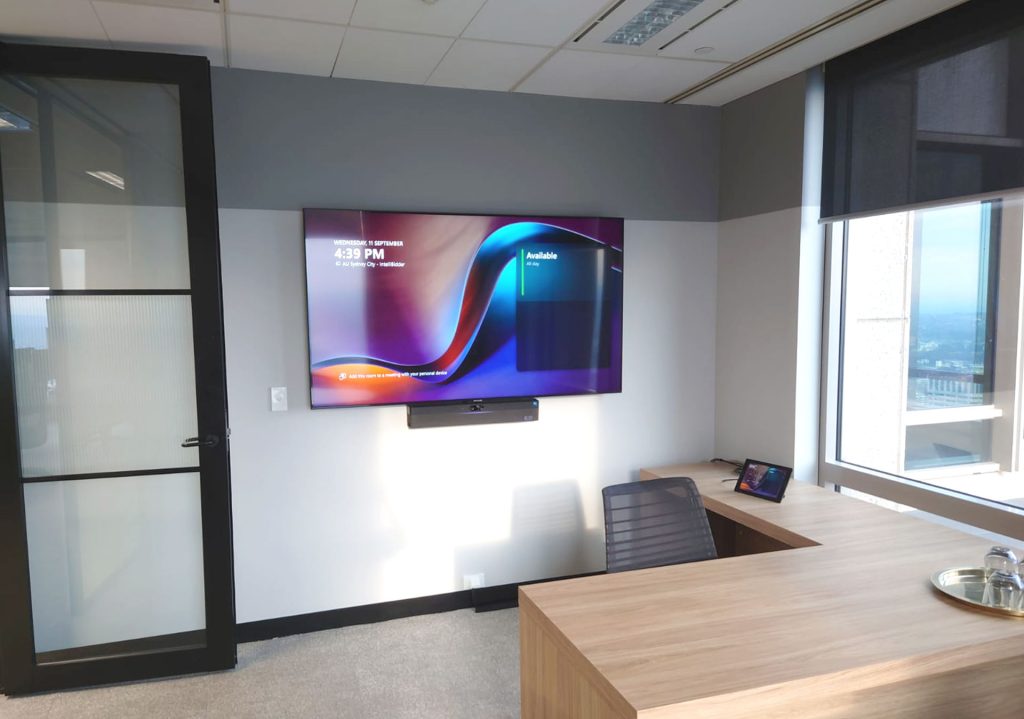
General Manager QEHS
Andrew Segula - Wärtsilä
“We are very happy with the whole installation process. Engagis and the team kept us updated with progress on a daily basis.”
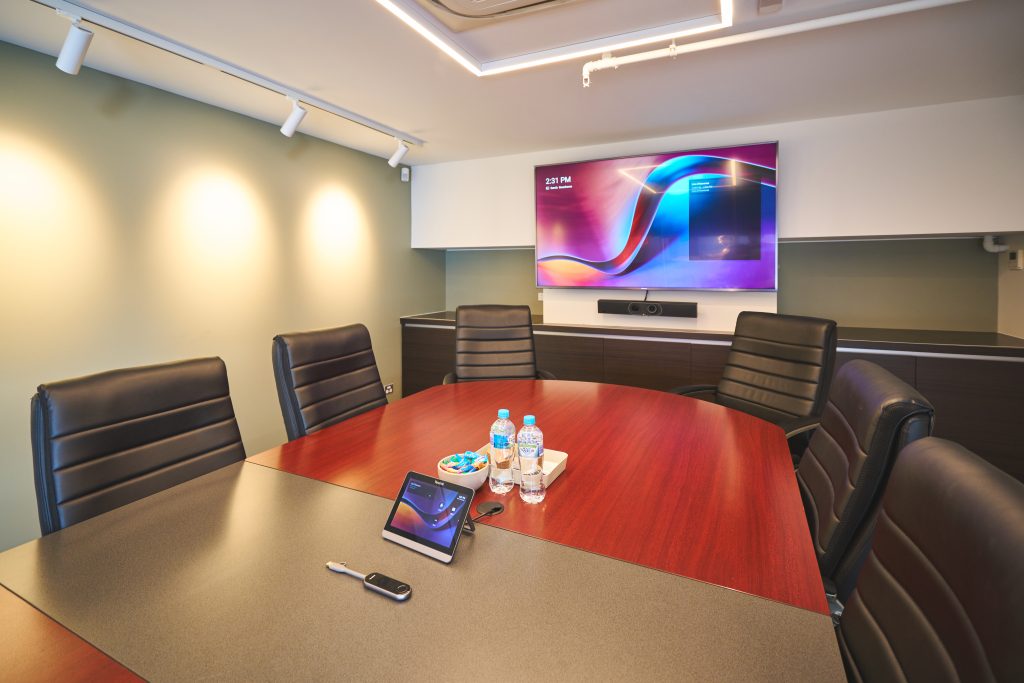
Office Administration Manager
Natalie Hattersley - Thirsty Camel
“We worked with the team at Engagis as we commenced our office refurbishment to establish a seamless installation plan for our Yealink system. I would highly recommend the team at Engagis.”
Case Studies
Frequently Asked Questions (FAQs)
Got questions? Find quick answers to the most common queries about our video conferencing solutions.
What equipment do I need for a basic video conferencing setup?
At its most basic, a video conferencing setup needs four things: a camera, a microphone, a speaker, and a display — plus the compute (a laptop, mini PC, or dedicated room console) to run the meeting software itself. For small rooms these often come bundled into a single all-in-one video bar; for anything bigger, they’re usually separate, purpose-chosen components. Beyond the hardware, it’s worth making sure whatever you choose is certified to work with the platform your organisation actually uses — Microsoft Teams, Zoom, or otherwise.
What equipment do I need for different meeting room sizes — huddle room vs large boardroom?
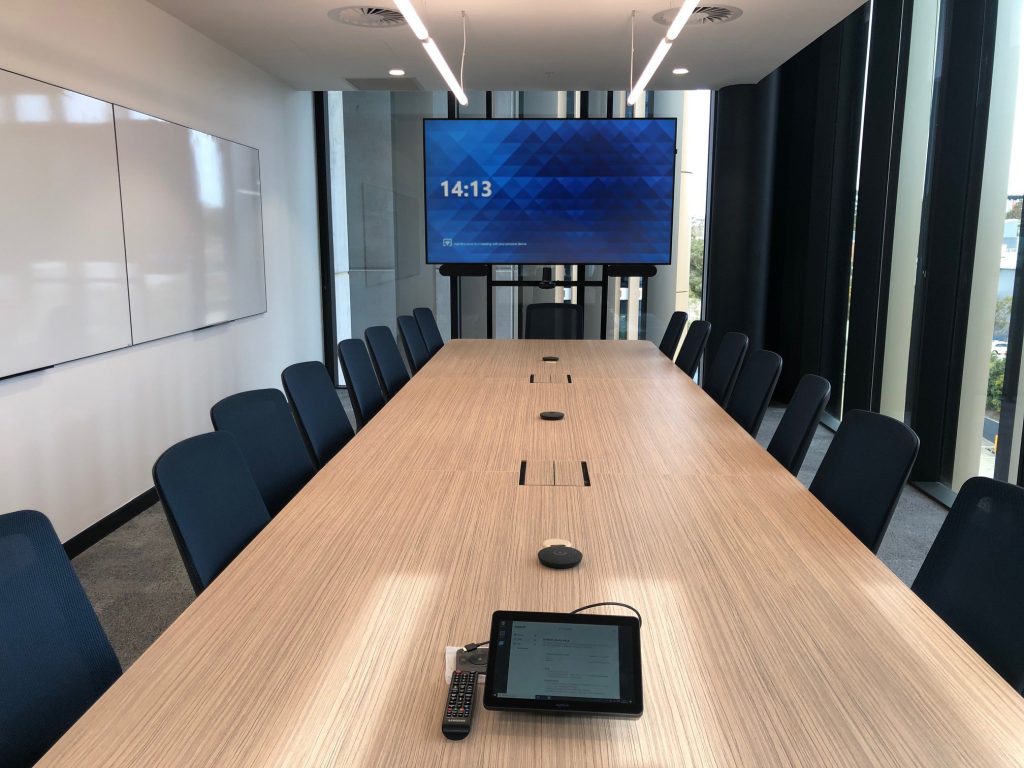
The gap is bigger than people expect. A huddle room (a handful of people) is well served by a single all-in-one video bar — camera, mic and speaker in one unit — paired with one screen. Move up to a mid-size meeting room and you’re generally better off with a dedicated PTZ camera and a tabletop or ceiling microphone for more even audio pickup. A large boardroom needs more again: multiple cameras or a premium auto-tracking wide-angle camera, ceiling microphone arrays with noise-filtering, and often dual large-format displays or a video wall to keep everyone visible and heard. The right setup follows the room, not the other way around.
What's the difference between a video bar and a full room codec system?
A video bar is a single device with the camera, microphone and speaker built in — plug it into a screen, connect a laptop or mini PC, and you’re up and running. It’s simple, quick to install and cost-effective, which makes it a strong fit for huddle rooms and small-to-medium spaces. A full room codec system is modular: separate cameras, microphones and speakers connected to a dedicated processing unit, giving you far more flexibility — multiple cameras, ceiling mic arrays, support for larger or oddly shaped rooms, and the ability to upgrade individual components down the track rather than replacing the whole system. In short: video bars for simplicity and speed, codec systems for scale and flexibility.
Is this equipment compatible with Microsoft Teams or Zoom?
Most of the equipment we work with is built to be certified for one or both platforms — Microsoft Teams Rooms or Zoom Rooms — meaning it’s been specifically tested and approved to run natively with that software, rather than just technically connecting to it. Which certification matters depends on what your organisation already runs day-to-day, and it’s one of the first things we check when recommending hardware, so you’re not left with a video bar or codec that only half-works with the platform your team is actually using.
Do you provide installation services?
Yes. We handle the full installation, from initial site assessment and cabling through to mounting, connecting and configuring the equipment and testing it end-to-end before we hand the room over. The goal is a room that works the first time someone walks in and starts a meeting, not one that needs troubleshooting in week one.
How do I choose the right video conferencing equipment for my organisation?
It comes down to a few key factors: the size and shape of the rooms you’re equipping, which conferencing platform your organisation already uses (Teams, Zoom, or both), how many rooms you need to standardise across, and how much flexibility you want to keep for future upgrades. Rather than picking hardware first, it’s worth starting with those questions — we usually walk through a room-by-room assessment so the equipment actually matches how each space gets used, instead of a one-size-fits-all setup that under-serves the big room and over-specs the small one.
Your Digital Signage & AV Starts Here
Get expert guidance, reliable delivery, and ongoing support - end to end. Talk to our team about solutions tailored to your organisation.