Routine tasks handled in seconds, staff freed for the conversations that matter, and the same experience at every site. Engagis designs, deploys and operates self-service kiosks across Australia.
Create a Self-Service Experience That Lifts Every Customer Visit
Trusted by Australia’s leading retailers and organisations














































































Physical Spaces Are Being Redesigned Around the Customer
The counter is no longer the centre of the room. People walking into a store, branch or clinic expect to move at their own pace and stay in control of how they get what they came for, instead of shaping their visit around whoever is free at the counter. Self-service is how that control is handed over, and it reaches well beyond self-checkout:
- Self-ordering
- Check-in
- Endless aisle
- Ticketing
- Payments
- Wayfinding
- Information
Meeting the expectation is simple to say and harder to do. It takes a deliberate program, not a row of screens.
69% of Australians Prefer Self-Service
Australians don’t choose self-service to avoid people. They choose it because it’s faster, simpler and theirs to control. They favour it for speed while still valuing human support. Fully automated options see low adoption.
IDC InfoBrief, The Evolution of Self-Service in Australia, January 2026.

41% · Ease of Use
The single biggest reason consumers pick the screen over the counter.

35% · Flexible Payment
Paying the way they want to pay, without asking anyone first.

33% · Purchase Privacy
Some transactions are nobody else’s business, and shoppers know it.
Self-Service Creates More Time for Service
Self-service is not about replacing people. It is about making sure every customer gets the right experience. The customer who knows what they want gets a fast path. The customer who needs help reaches a person who has time to give it. Every routine transaction handled through self-service is time handed back to your team for the moments that matter.
The pattern is the same everywhere. Someone is waiting to pay, check in, collect a ticket, find a location or complete a form. Self-service removes the queue around routine tasks so staff can focus on the interactions that benefit from a person.
- The customer in a hurry: Knows what they want, wants it done now, and resents the queue more than anything else about the visit. Speed is the whole visit.
- The customer who needs help: Has a question, a complication or low confidence, and needs someone who is not already serving three other people.
Removing Friction Across Every Environment
The same pattern turns up in every sector: a queue that exists only because a routine task needs a staff member to complete it. Someone waiting to pay for four items. Someone waiting to say they have arrived. Someone waiting to ask which floor they need. The task changes from one environment to the next, but the shape of the problem does not, and neither does the fix.
Every sector has routine moments worth handing back to the customer, and moments that should stay with a person. What differs is the mix, the environment the unit has to survive in, and the systems it has to talk to.
1


Retail
Scans and pays, or orders an item that is not on the shelf | Replaces: Queueing for a staffed register
2

Quick Service and Hospitality
Browses the menu, customises an order and pays | Replaces: Waiting to order at the counter
3

Health
Checks in for an appointment, confirms details and finds the right ward | Replaces: Queueing at reception, then asking for directions
4

Transport
Buys a ticket, checks in and finds the platform or gate | Replaces: Hunting for a staff member in a busy terminal
5

Government and Council
Pays a bill, lodges a form or books a service | Replaces: Waiting at a service centre counter
6

Education
Enrols, borrows, prints or finds a room on campus | Replaces: Queueing at a student services desk
7

Financial Services
Updates details or completes an application in branch | Replaces: Booking a banker for a routine task
8

Entertainment and Venues
Collects tickets and orders food without leaving their seat | Replaces: Missing part of the event
Your Space, Next
We’ve been building self-service experiences for over 24 years, and every space is different. Let’s work out what yours needs.
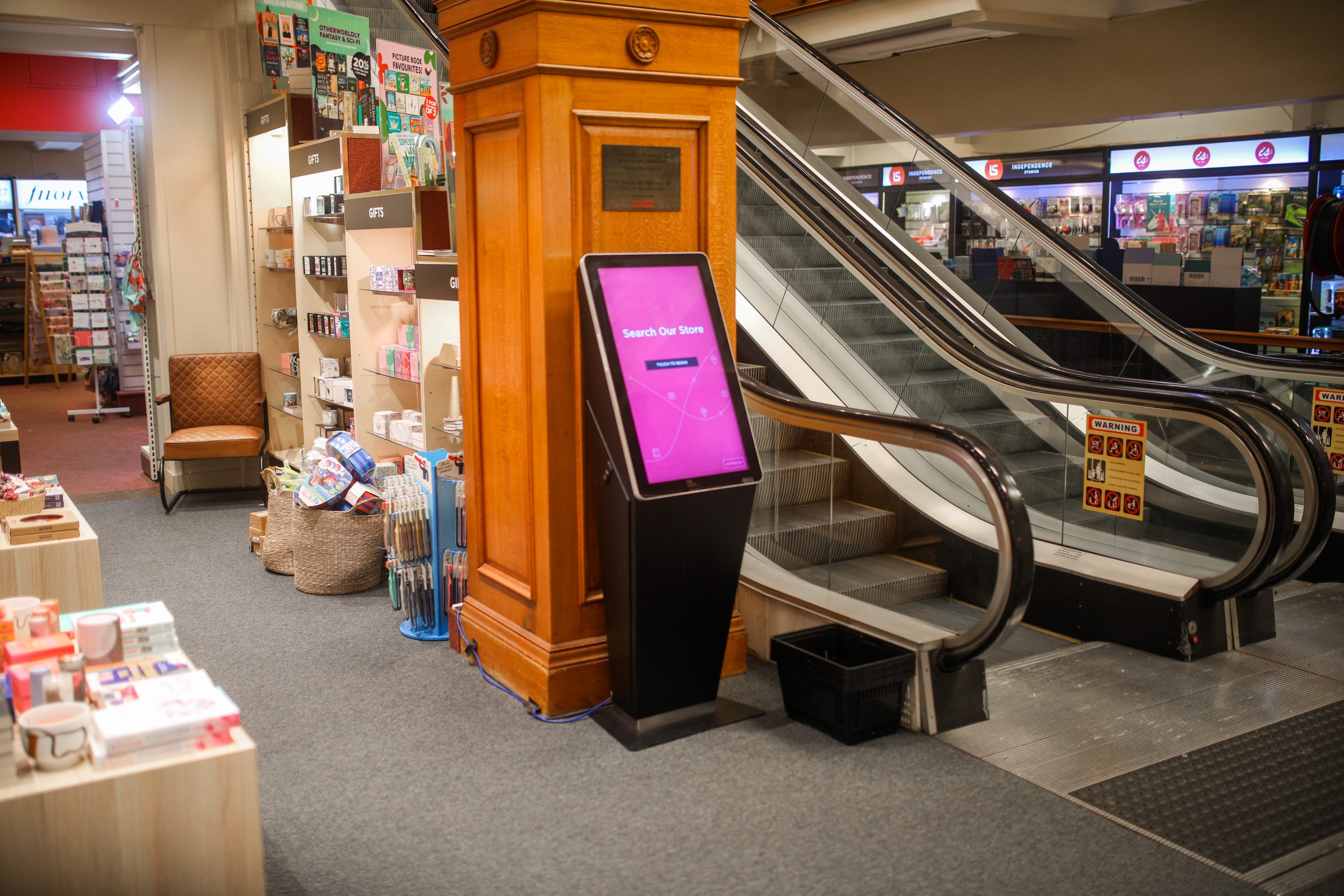
Kiosk Hardware Built Around the Experience
Engagis supplies and installs the touch screens and interactive kiosks behind it: free-standing, wall-mounted and desk-mounted, sized to each site and made in Australia. We build the unit around the experience, not the other way round.
What a Great Self-Service Experience Feels Like
A great self-service experience is close to invisible. The customer walks up, understands it straight away, finishes faster than asking would have taken, and leaves without having thought about the technology at all. That takes deliberate design: plain language, few steps, a layout anyone can reach and read, and a staff member visible the moment self-service stops being the quickest route.
Accessibility belongs in the brief rather than in a later fix – reach and height, contrast and text size, audio, language options and support for assistive technology.
The standard, from the customer’s side:
- Obvious what to do in three seconds.
- Fewer steps than asking someone would take.
- Readable and reachable standing, seated or using a screen reader.
- Never a dead end; a person is visible the moment it stops being the fastest route.
- Private: what you are buying or checking in for stays on the screen.
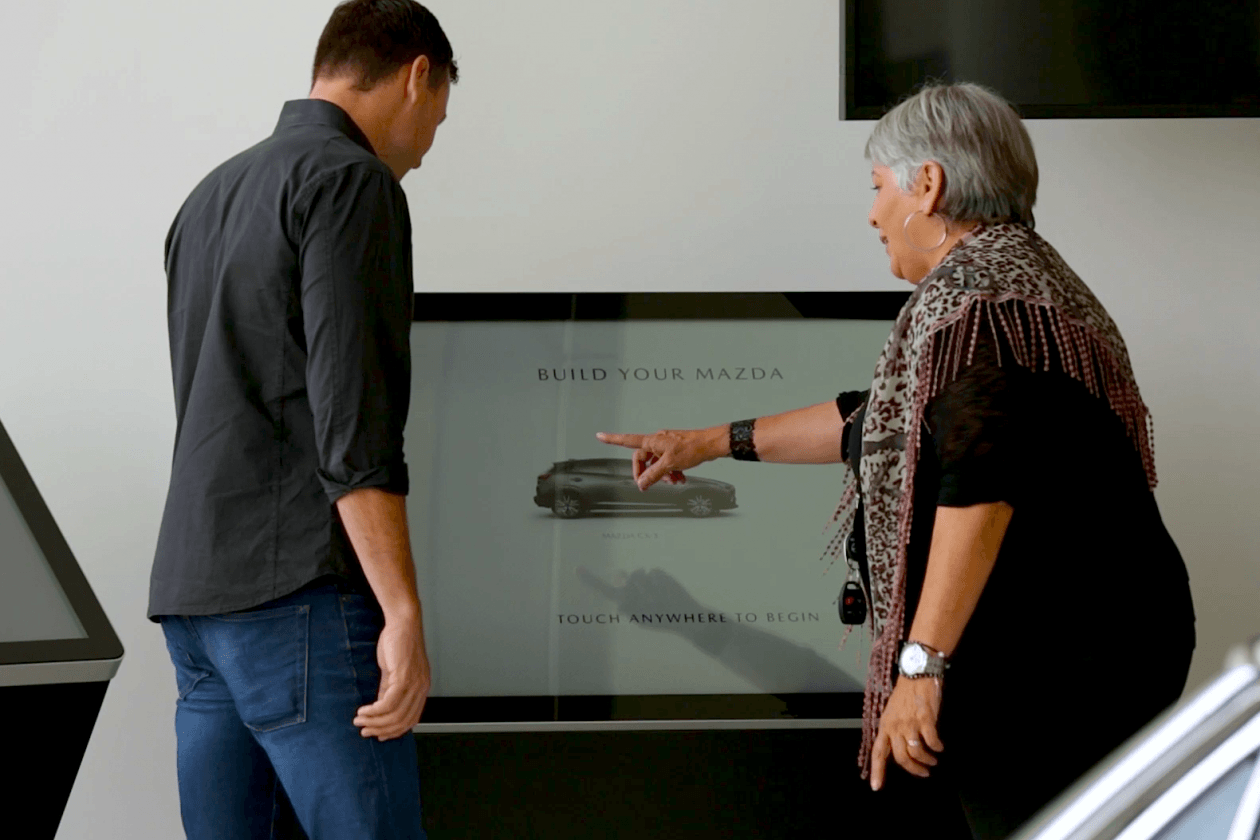
Serving Customers Beyond the Transaction
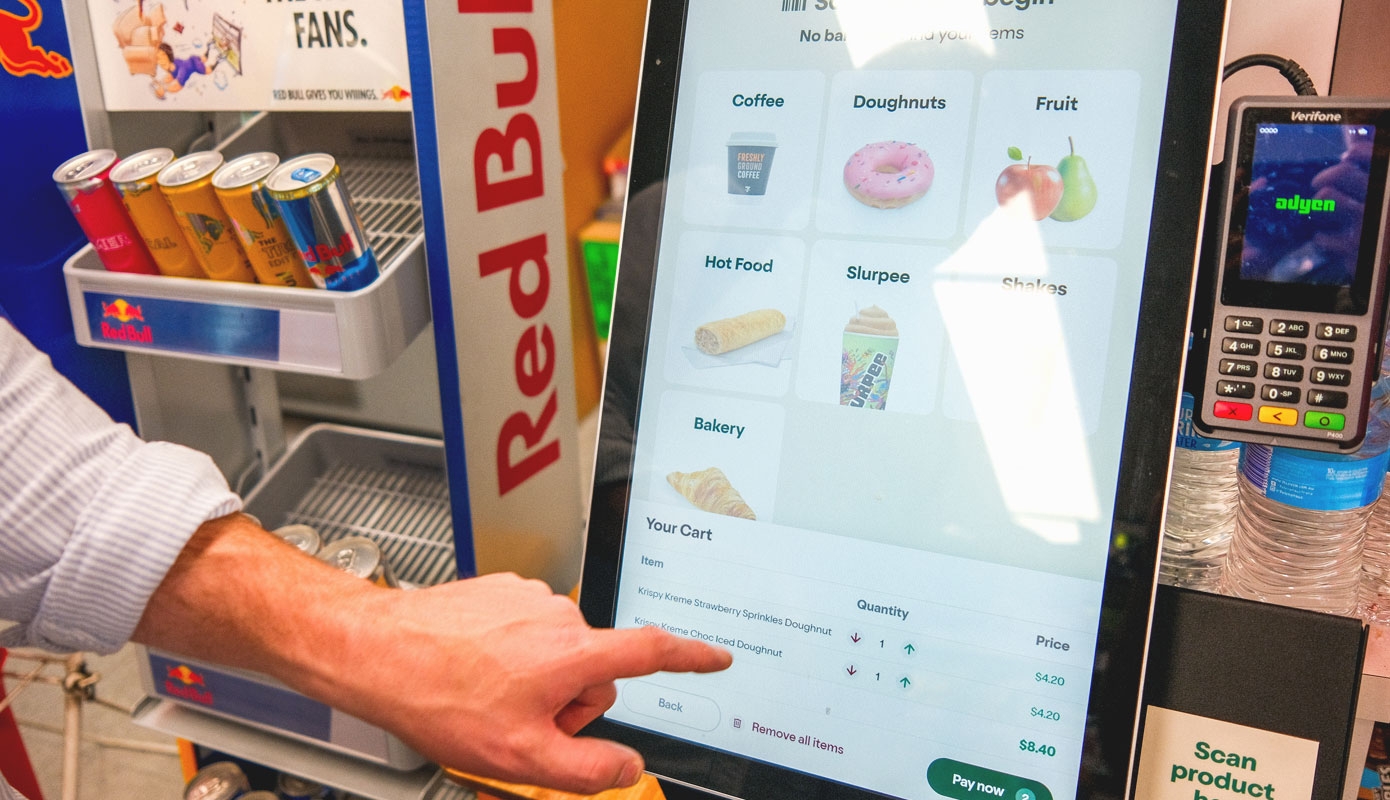
Once a kiosk is in place, the transaction is the smallest thing it can do. The same unit can point someone to the right ward, sign in a contractor, order a product that is not on the shelf, capture feedback on the way out, or hold a place in the queue so a customer can sit down while they wait. Each one removes a wait, and each one unlocks more value from hardware you have already installed.

Wayfinding and Directories
Find a ward, a store or a platform without having to ask anyone.

Visitor and Contractor Management
Sign in, badge and induct visitors in seconds, with a live record of who is on site.

Feedback and Surveys
Capture how the visit went on the way out, while it is still fresh.

Product Discovery and Endless Aisle
Order what is not on the shelf without leaving the store.

Information and Queue Management
Take a place in the queue, then sit down until it is your turn.
The Service Behind the Screen
A self-service program is a service, not a purchase. Engagis starts with discovery, connects to the POS, booking, payment and identity systems you already run, then stands up a working version early so the journey can be tested before it is built out. Design, build and hardening follow, then deployment site by site. Once it is live we keep improving it on evidence.
Seamless integration is where most programs stall, and it is the part we own rather than hand off.
Step 1

Discover
Map the customer’s task, the sites it has to work in and the systems it has to reach.
Step 2

Integrate
Connect to the POS, booking, payment and identity systems already in place.
Step 3

Prove
Stand up a working version early, so the journey is tested against real use before it is built out.
Step 4

Design and Build
Design the interface and the unit around the task, then configure, brand and harden it for the environment it will live in.
Step 5
Deploy
Install across sites to a schedule, with staff briefed before go-live.
Step 6

Improve
Monitor, measure and iterate, so the journey keeps getting faster after launch.
↻ Improvement feeds the next round of discovery
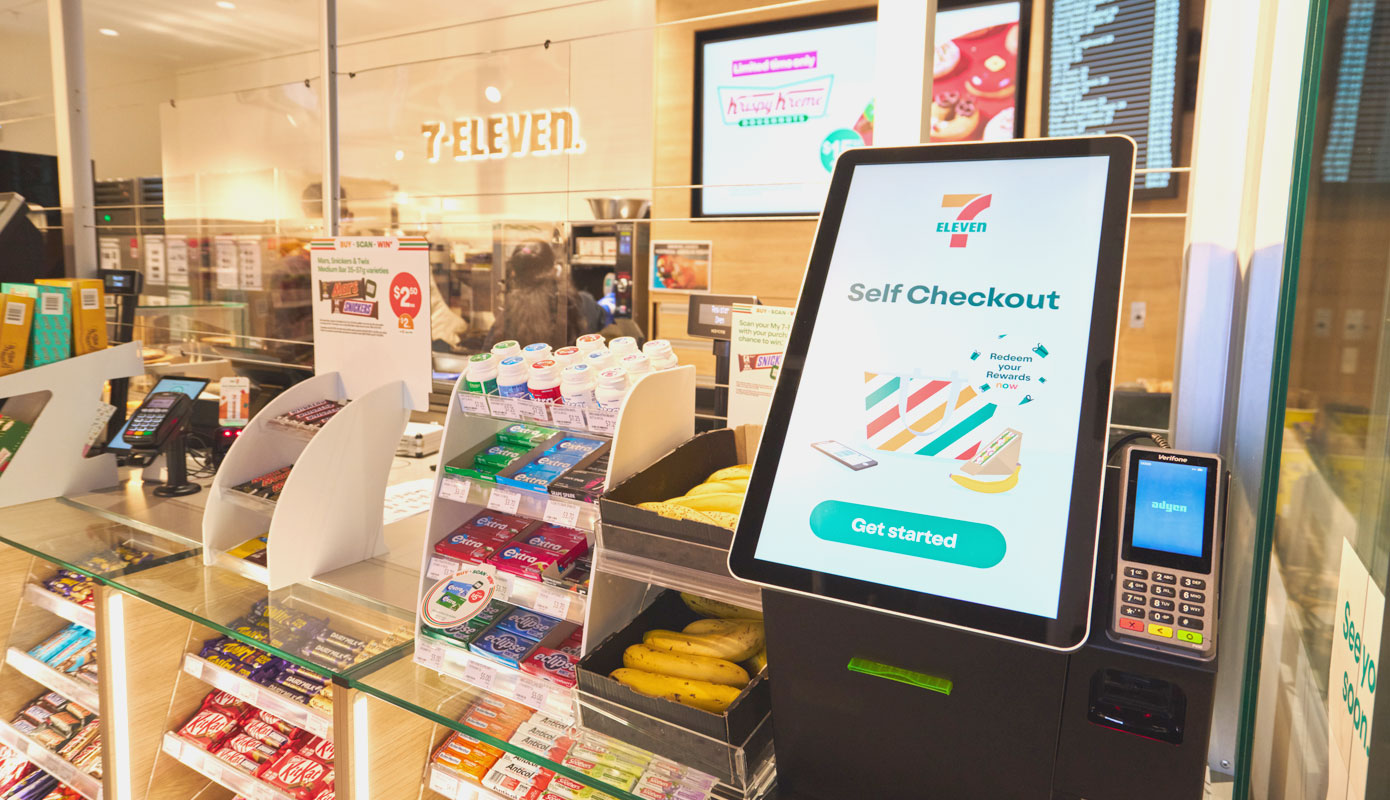
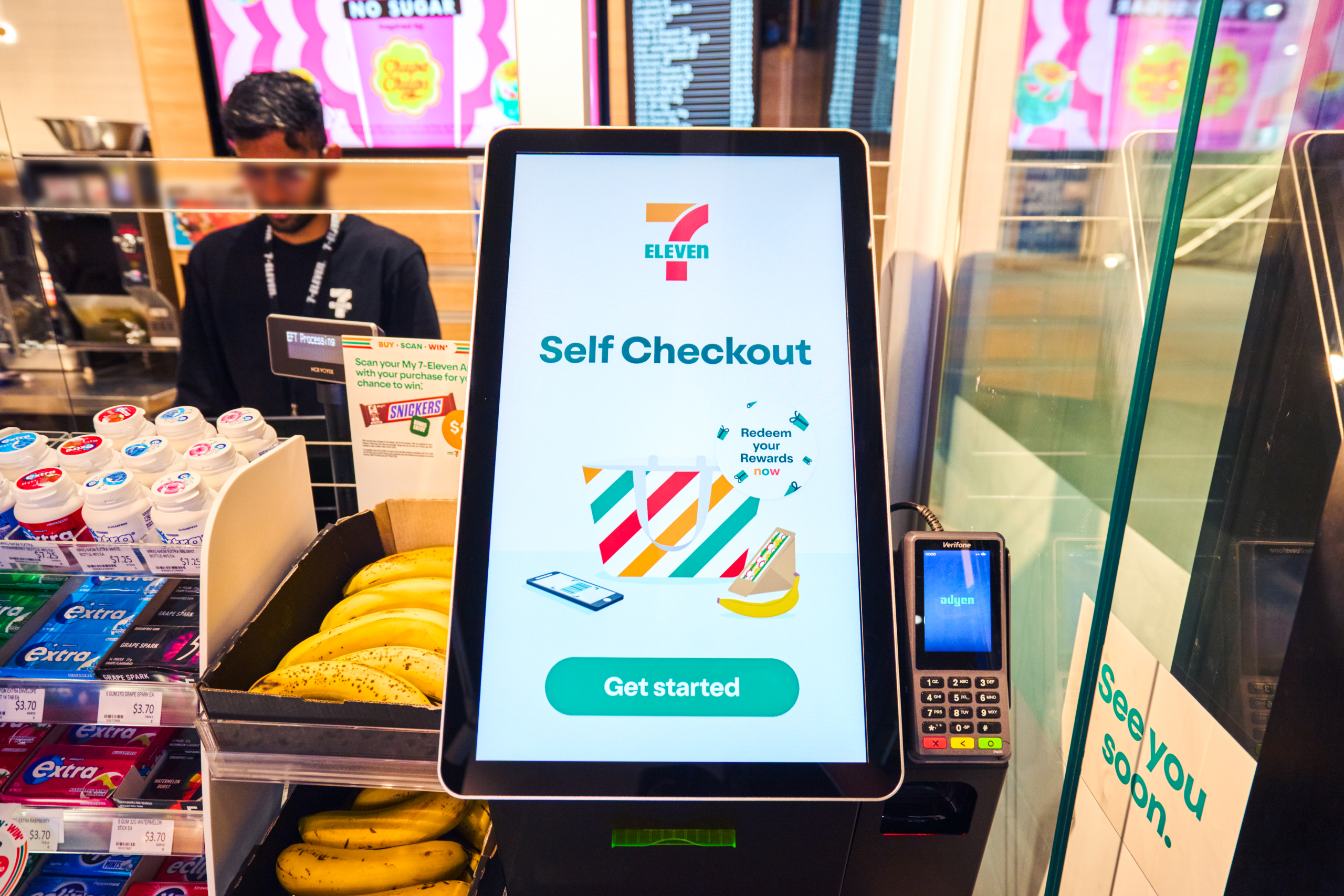
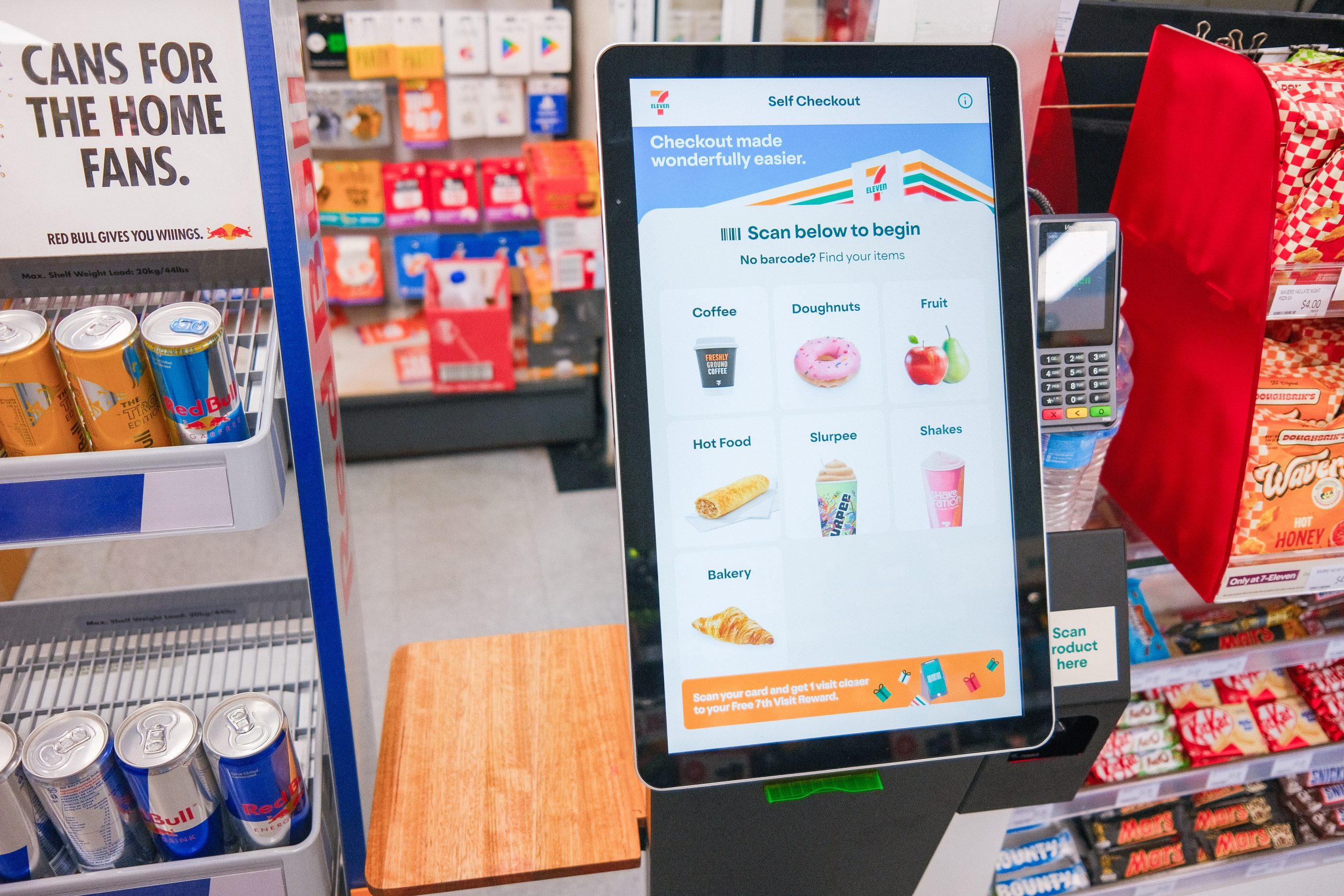
7-Eleven Customer Story
Self-service, in a store where every second at the counter counts. Trusted by Australia’s leading organisations to transform physical spaces since 2001. Hear how 7-Eleven put self-checkout in front of its customers.
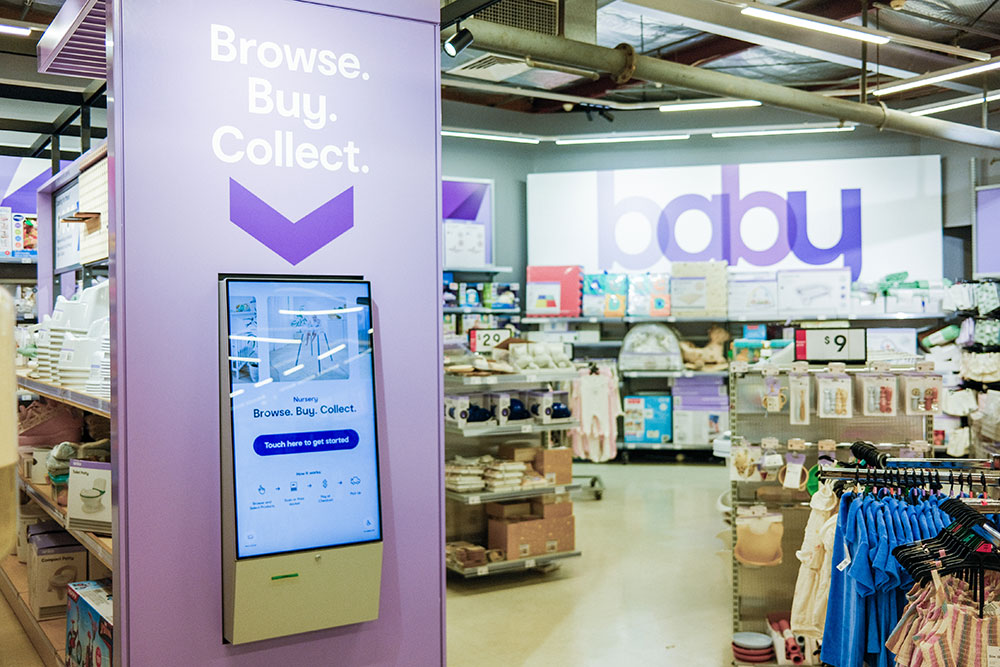
Never Miss a Sale with Endless Aisle
An out-of-stock item is only a lost sale if the customer has no way to buy it. With endless aisle on the kiosk, your full range is available in every location. The customer finds the size, colour or model that is not on the shelf, orders it on the spot and has it delivered.
Floor space stops setting the limit on what you can sell.
Better for Your Customers, Your Team and Your Business
Customers get a faster visit, and the choice of a person when they want one. Your team gets relief from repetitive transactions and more time on the work they were hired to do. The business gets more throughput from the same footprint, consistent service at every site, and data about customer behaviour it did not have before.

For Your Customers
A faster way through when speed is what they want, and a person with time when it is not.

For Your Team
Fewer repetitive transactions, more of the work they were hired for, and less pressure at peak.
For Your Business
More throughput from the same footprint, consistent service across every site, and data on what customers actually do.
Frequently Asked Questions (FAQs)
Got questions? Find quick answers to the most common queries about our self-service kiosk solutions.
What is a self-service kiosk?
A self-service kiosk is an interactive kiosk that lets a customer complete a routine task themselves – paying, ordering, checking in, buying a ticket, finding a location or looking something up – without waiting for a staff member. Self-service technology covers a wide range of form factors, from a countertop unit at a service desk to a floor-standing or outdoor kiosk, and each one is built around the task the customer came to do rather than the hardware itself.
What is the difference between self-checkout and a self-ordering kiosk?
A self-checkout kiosk handles payment for items the customer has already chosen, typically in retail, by scanning and taking a contactless or card payment. A self-ordering kiosk comes earlier in the journey: the customer browses a menu or catalogue, customises what they want, then orders and pays in the one flow. Quick service and hospitality venues use self-ordering; supermarkets and general retail use self-checkout. The underlying kiosk software and hardware are often the same – what changes is the experience designed on top and the systems it connects to.
What affects the cost of a self-service kiosk in Australia?
Self-service kiosk cost in Australia depends on the program rather than the box. The main drivers are the form factor and build (countertop, floor-standing, wall-mounted or an outdoor enclosure), the peripherals the task needs such as payment terminals, scanners or printers, how deep the integration with your POS and booking systems runs, the number of sites in the rollout, and the support agreement you need once units are live. Buying hardware alone looks cheaper and usually is not, because design, integration and ongoing service end up bought separately. Talk to us with your site count and the tasks you want to hand over, and we will scope it properly.
How does a kiosk integrate with our existing POS, booking, payment or identity systems?
Integration is the part that decides whether a program works. Engagis connects kiosks to the POS, booking, payment, inventory and identity systems you already run, using APIs so the kiosk reads and writes to the same source of truth as every other channel. Without that, a kiosk becomes a second system staff have to reconcile. IDC found only half of Australian retailers fully connect checkout with inventory and CRM, and those who do report better insights, higher sales and stronger customer experience. POS and booking system integration is scoped at design, not bolted on after install.
How are accessibility and security addressed?
An accessible self-service kiosk is designed that way from the brief, not retrofitted. That means reach and mounting height that work standing or seated, screen contrast and text size that hold up in real lighting, audio output and tactile or keypad navigation for customers who cannot use a touch screen, support for assistive technology, and a WCAG-aligned kiosk interface with DDA considerations built into the design. Multilingual interfaces cover the languages your customers actually speak. On security, payment kiosks are PCI compliant, devices are monitored remotely for tampering or failure, and updates are pushed centrally so no unit is left running old software.
Who installs and maintains the kiosks once they are live?
Engagis handles both. We install kiosks across Australia, site by site to an agreed schedule, with staff briefed before go-live, then stay on for field service and maintenance once units are in the ground. One accountable team and one support agreement covers the whole estate, rather than a hardware supplier, a software vendor and a maintenance contractor each holding a piece of the answer. Engagis has been designing and running self-service technology in Australia since 2001.
What can customers do at a self-service kiosk?
More than pay. The same unit can take an order, check a patient or visitor in, sign in a contractor, issue a ticket, capture feedback on the way out, hold a place in a queue, give interactive wayfinding to a ward or platform, or run endless aisle so a customer can order a product that is not on the shelf. Customer self-service works best when the kiosk covers several of these tasks, because each one removes a wait and gets more out of hardware you have already installed.
How are kiosks monitored and maintained after launch?
Remote kiosk management and device monitoring run continuously, so faults are picked up before customers find them. Engagis maintains 99%+ solution uptime across 80,000+ connected devices and 99.9% CMS uptime, with 24x7x365 support coverage and proactive monitoring behind it. Content and software updates are pushed centrally to the whole fleet, technicians go on site when something needs hands, and full SLA reporting covers case types, resolution times and performance metrics so the estate stays accountable.
How long does a multi-site rollout take?
It depends on site count, how much integration work sits in front of the first install, and how many sites can go live in parallel. A national kiosk rollout runs to an agreed schedule rather than all at once: design and integration are proven at a pilot site, then deployment moves site by site with staff briefed before each go-live. Enterprise kiosk rollout at scale is planned around your trading hours and site access, not ours. Tell us your site count and target date and we will build the schedule back from it.
Case Studies

You May Be Interested In
As Australia’s Most Trusted Digital Signage & AV provider, we offer a full range of Digital Signage & AV solutions.

Touch Screens & Kiosks
Interactive touch screens and kiosks: free-standing, wall-mounted and desk-mounted, designed and made in Australia.
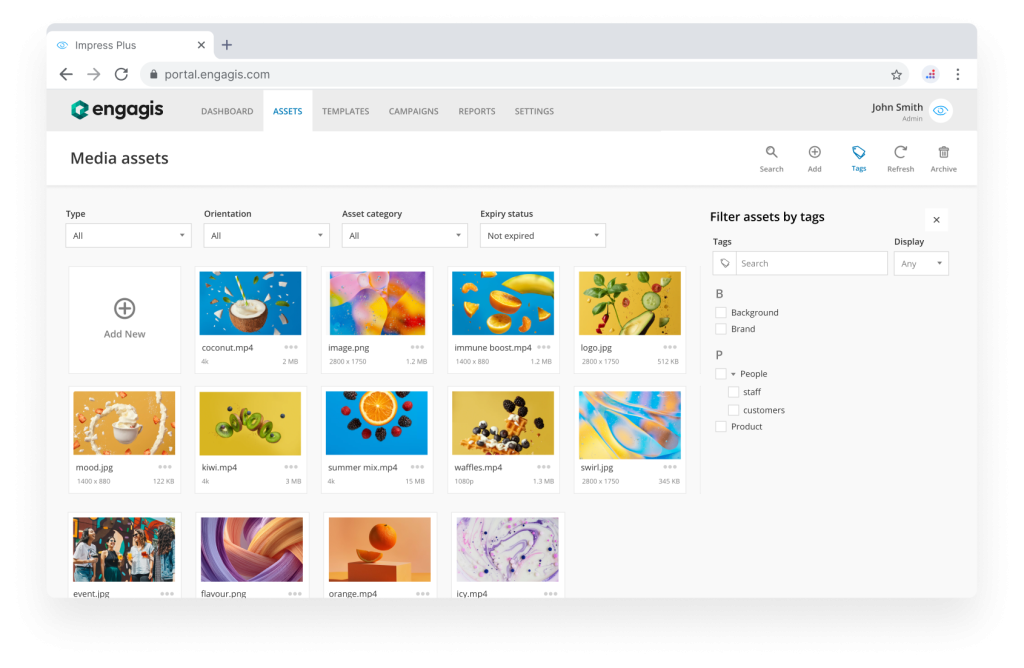
Impress Plus CMS
Australia's enterprise digital signage CMS. Designed for large, multi-site organisations, it delivers the perfect blend of scale, security and creativity.
Support & Maintenance
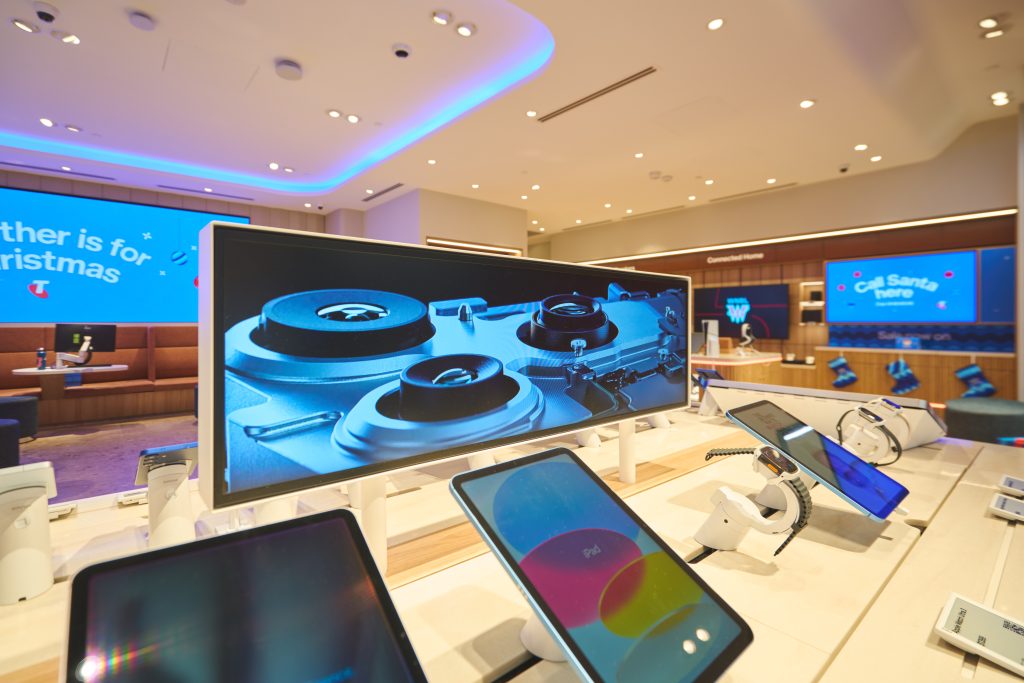
At Engagis, we don’t just support technology – we support your business continuity.
Your Digital Signage & AV Starts Here
Get expert guidance, reliable delivery, and ongoing support - end to end. Talk to our team about solutions tailored to your organisation.