Digital signage isn’t just about display screens; it’s about creating immersive experiences that captivate attention and drive engagement. To transform your communication, choosing the right hardware is essential.
Transform Your Spaces With Market Leading Digital Signage Hardware
Trusted by Australia’s leading retailers and organisations



















































































Types of Digital Signage Hardware
We help you select the right display for each environment, balancing visual impact, performance and long‑term operational fit.
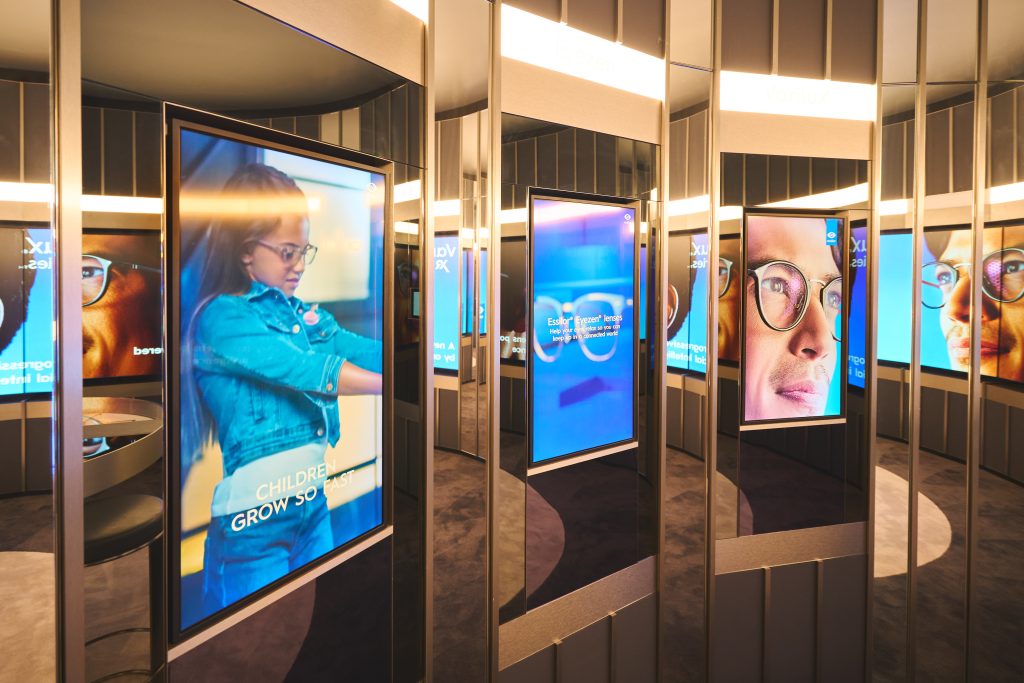
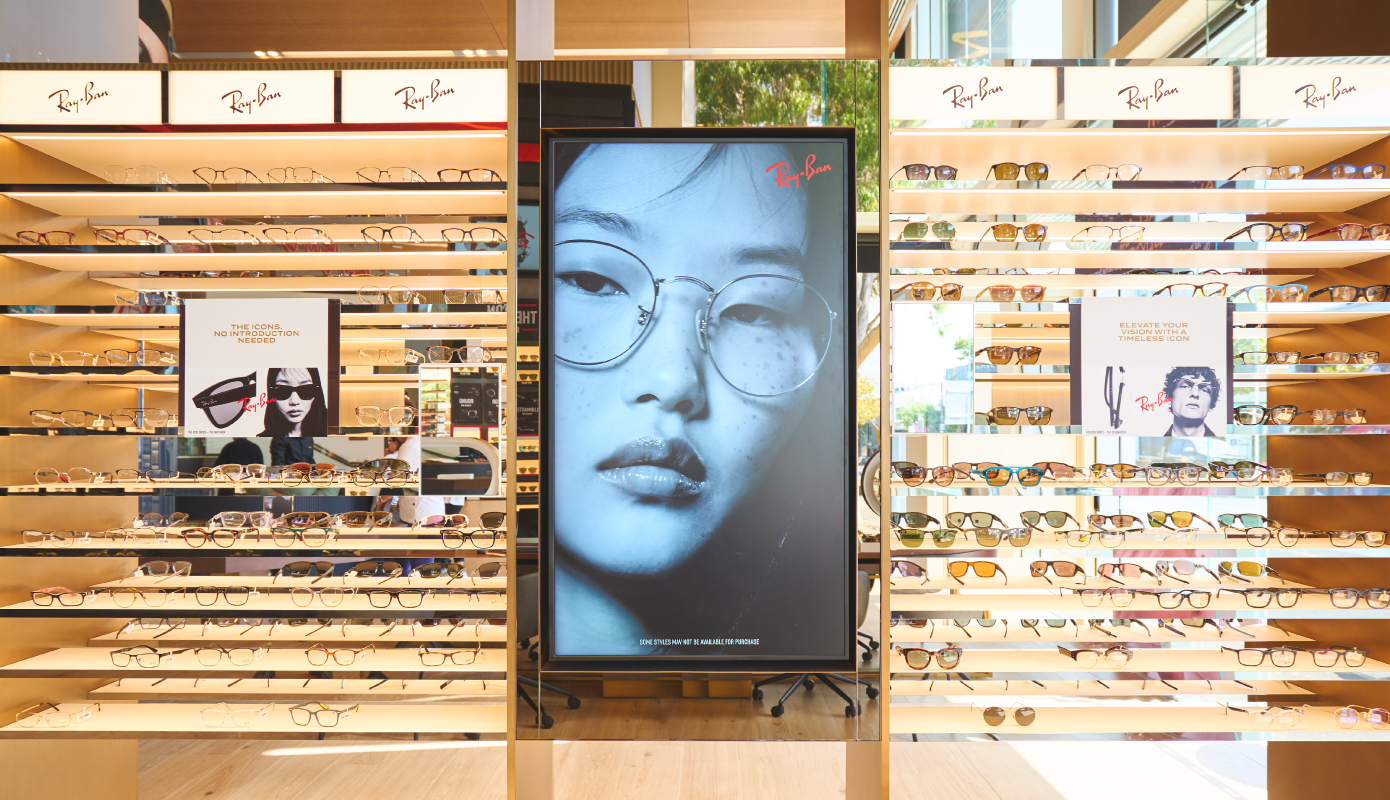
LCD Displays
Commercial grade LCD displays for clear, reliable messaging across standard retail and workplace environments.
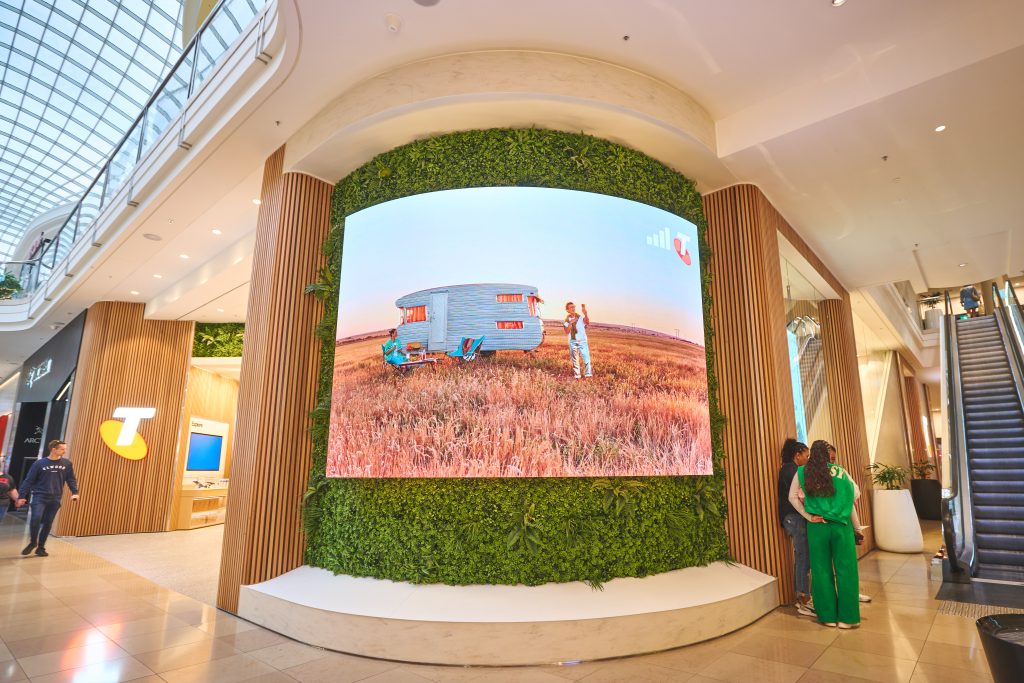
LED Signage
High impact LED displays for large format visuals, feature areas and high visibility retail spaces.
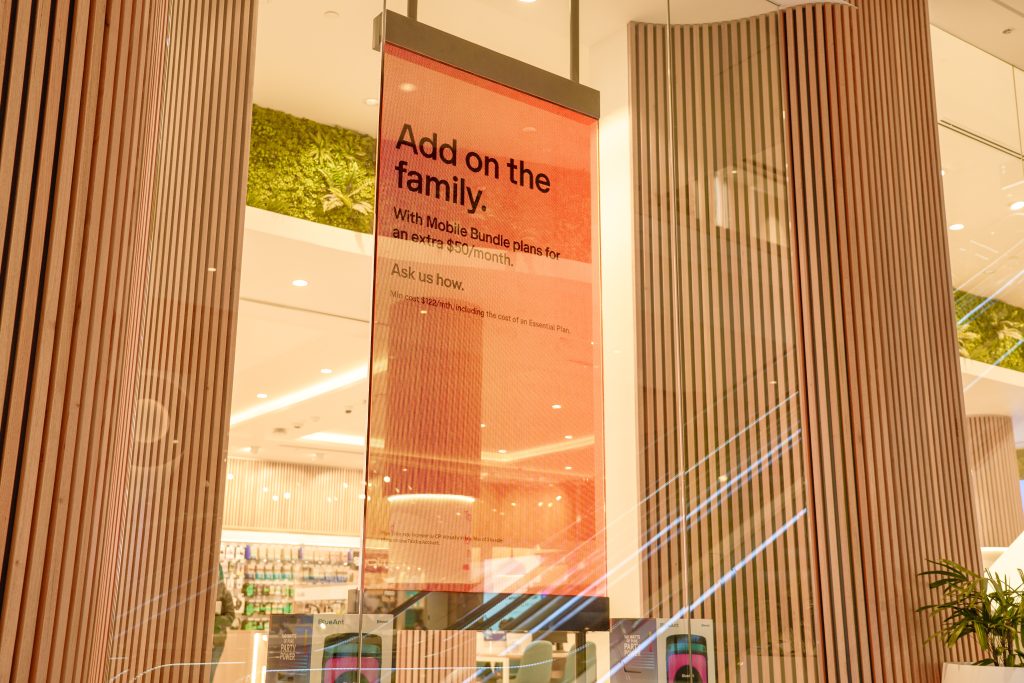
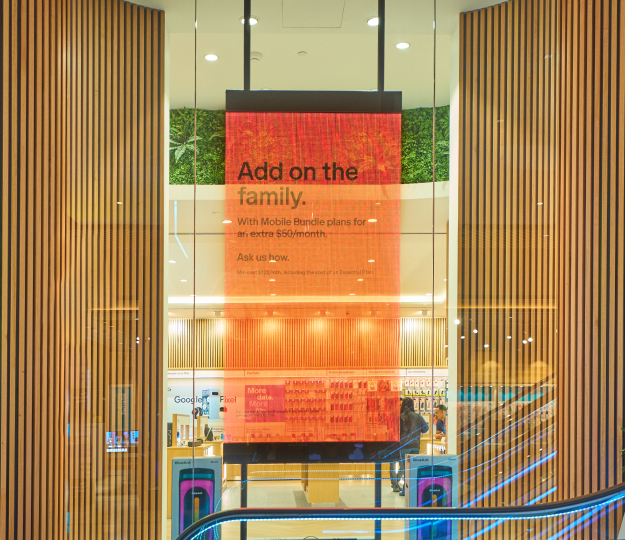
Transparent LED Signage
Dynamic digital content integrated into windows and glass without blocking visibility or natural light.

E-Paper & Digital Shelf Labels
Low power e-paper displays available in a range of sizes, supporting digital shelf label and larger format applications.
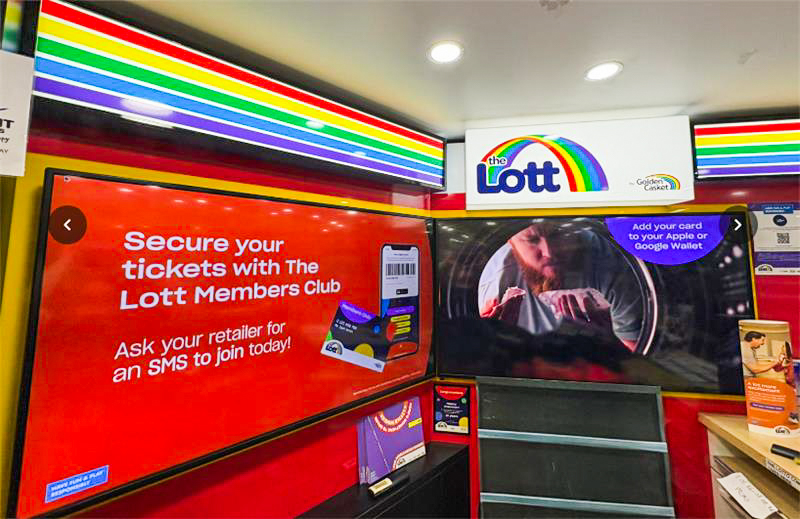
Media Players
Support for both external media players and system on chip displays, selected to suit performance, content and operational requirements.

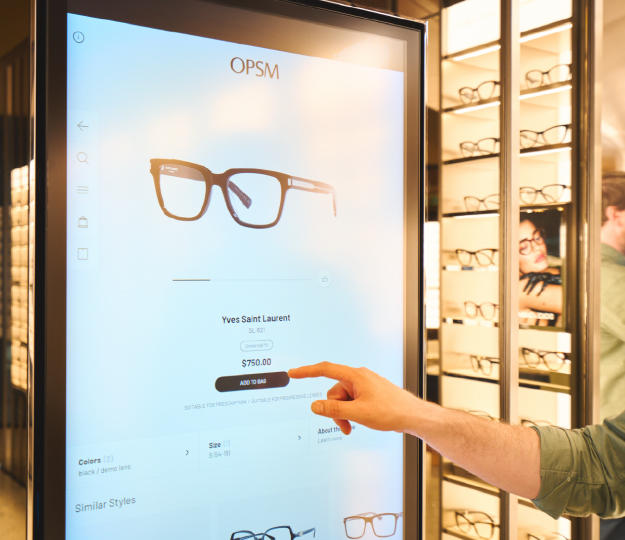
Touch Screens & Kiosks
Interactive displays that support product discovery, assisted selling and customer self service experiences.
Media Players
Our media players undergo rigorous quality assurance testing to ensure they meet the highest standards of reliability and performance. We offer a range of media player brands and models to cater to the unique needs of different businesses, including single screen, dual and matrix screens, kiosks, high-end graphics, and dynamic content. Additionally, we can set up your devices to display content even when they are offline.
Peripherals and Mounting
We offer a comprehensive range of digital signage hardware peripherals and mounting solutions. Whether you need brackets, stands, enclosures, or any other accessories, we have the right products to ensure your digital signage setup is both functional and aesthetically pleasing.
Key Digital Signage Hardware Considerations
Make sure your digital signage hardware is fully aligned with your specific operational, technical, and business requirements by carefully evaluating a range of key factors before making a decision. Taking the time to assess these elements upfront will help ensure your solution delivers the right performance, reliability, and long-term value for your environment.
Brightness
Essential for visibility in different lighting conditions. We suggest brightness as a more important consideration than size for outdoor facing displays.
Indoor or Outdoor Use
For outdoor displays, choose weather-resistant options that can stand various environmental conditions.
Orientation
Choose between landscape or portrait modes to fit your space/s perfectly. We recommend portrait screens for displays facing outside and landscape for indoor facing screens.
Resolution
Higher resolution digital screens provide sharper and more detailed images. Consider the viewing distance and the type of content to determine the appropriate resolution.
Form Factor
Choose from sleek and modern designs that integrate seamlessly into your environment. Consider the size, weight and mounting options to ensure a perfect fit.
Power Consumption
Look for energy-efficient options to reduce operational costs. Consider hardware with power-saving features to minimise energy usage.
Why Digital Signage Hardware Matters
The quality of your hardware directly impacts performance, reliability, and how your message is seen. The right setup ensures your content runs smoothly, looks sharp, and keeps your audience engaged without interruption.

Enhanced Visual Impact
High-quality digital signage hardware ensures vibrant and clear displays, capturing the audience’s attention effectively

Reliability and Durability
Investing in robust hardware minimises downtime and maintenance costs, ensuring consistent performance in various environments

Scalability
Advanced hardware solutions allow for easy expansion and integration, supporting the growth of your digital signage network

Real-Time Content Management
Reliable hardware enables seamless updates and real-time content changes, keeping your messaging relevant and timely

Interactivity
Interactive hardware components, such as touchscreens, enhance user engagement and provide a more immersive experience

Quality
The quality of your hardware directly determines how reliably your content is delivered and how effectively your message captures and holds audience attention.
What Digital Signage Hardware Consists Of
Understanding the components of digital signage hardware is crucial for making informed decisions.
Screens
Digital displays come in various form factors, sizes, orientations, and brightness levels to suit different needs. Examples include LED displays, window displays, touch screens and video walls, each offering unique benefits for diverse applications.
Media Players
Media players are crucial for delivering content to your screens with seamless integration and optimal performance. They come in multiple options tailored to your content type, screen setup and performance requirements.
What Our Customers Are Saying

Anna Hussey
Suncorp
“The digital signage provided and managed by our digital media partner, Engagis, plays a significant role in displaying messaging in an impactful and intelligent way.”

David Roocroft
Michael Hill
“Engagis is a delight to work with. Our process is quite specific when it comes to running our store screen content across three different countries, Engagis was able to adapt their system to suit our needs.”

Duane Yaxley
Lids
“Engagis have delivered for us a high-quality product that presents both visually and auditorily to exceptional standards we require for our retail experience at Lids.”
Frequently Asked Questions (FAQs)
Got questions? Find quick answers to the most common queries about our digital hardware solutions.
What's the difference between a commercial-grade display and a regular consumer TV?
Consumer TVs are built to run for a few hours an evening, whereas commercial displays are engineered to run all day, every day, often for years without a rest. That means better heat management, higher brightness for spaces with a lot of ambient light, and hardware designed to be controlled and monitored remotely rather than switched on with a living-room remote. Consumer TVs also often lack the ports, mounting options and warranty terms that an always-on retail or workplace deployment needs. It’s a common shortcut to think “any screen will do,” but the wrong choice usually shows up as early hardware failures — which is exactly the sort of thing we test for before it goes on your wall.
Do I need a separate media player, or can I use a screen with built-in playback?
Both approaches work, and the right one depends on what you’re asking the content to do. A system-on-chip (SoC) display has the media player built into the screen itself, which is simpler to install and has fewer components that can fail — a good fit for straightforward, single-location content. An external media player adds more processing power, which matters for graphics-heavy content, multi-zone layouts, or video walls, and it’s also easier to swap out or upgrade independently of the screen. We work with both configurations, from single-screen setups through to dual, matrix and dynamic content arrangements, so it’s really about matching the hardware to what the content needs to do.
How long do commercial digital signage screens typically last?
Commercial-grade displays are generally built for years of continuous, all-day operation rather than the occasional-use cycle a home TV is designed for. Actual lifespan depends on factors like screen brightness settings, ambient temperature, ventilation around the unit, and how well it’s maintained — a screen crammed into a hot, unventilated space will wear out faster than one properly installed and monitored. Regular quality checks and proactive monitoring go a long way toward catching issues before they become a full screen replacement. If you’re planning a multi-site rollout, it’s worth factoring hardware lifecycle into your budgeting from the start — we’re happy to talk through what that looks like for your environment.
Are digital shelf labels worth switching to instead of paper price tags?
For retailers managing pricing across many SKUs or stores, e-paper shelf labels remove the manual work of reprinting and physically replacing tags every time a price or promotion changes. They also cut down on pricing errors between the shelf and the till, since updates push out centrally rather than relying on someone walking the floor. E-paper technology uses very little power, so labels can run for a long time before needing attention. Whether it’s worth the switch really comes down to how often your pricing changes and how many locations you’re managing — that’s a conversation worth having with us if you’re weighing it up.
What happens to my digital signage if the internet or network connection drops out?
This is exactly why hardware choice matters — media players and displays with offline content capability keep playing the last scheduled content locally even if the network connection is lost. Nothing goes to a black screen just because Wi-Fi or the internet drops out at one site. Once connectivity is restored, the player syncs back up and picks up any updates that were queued in the meantime. It’s a detail that’s easy to overlook until it happens in a busy store or office, which is why we build it into the hardware and network design from the outset rather than treating it as an afterthought.
Your Digital Signage & AV Starts Here
Get expert guidance, reliable delivery, and ongoing support - end to end. Talk to our team about solutions tailored to your organisation.