Digital Signage Displays vs Monitors: What Enterprise Buyers Should Compare

Ben Smith
An authority on digital transformation of physical spaces, Ben has 20+ years helping top-tier companies improve their customer and staff experience.
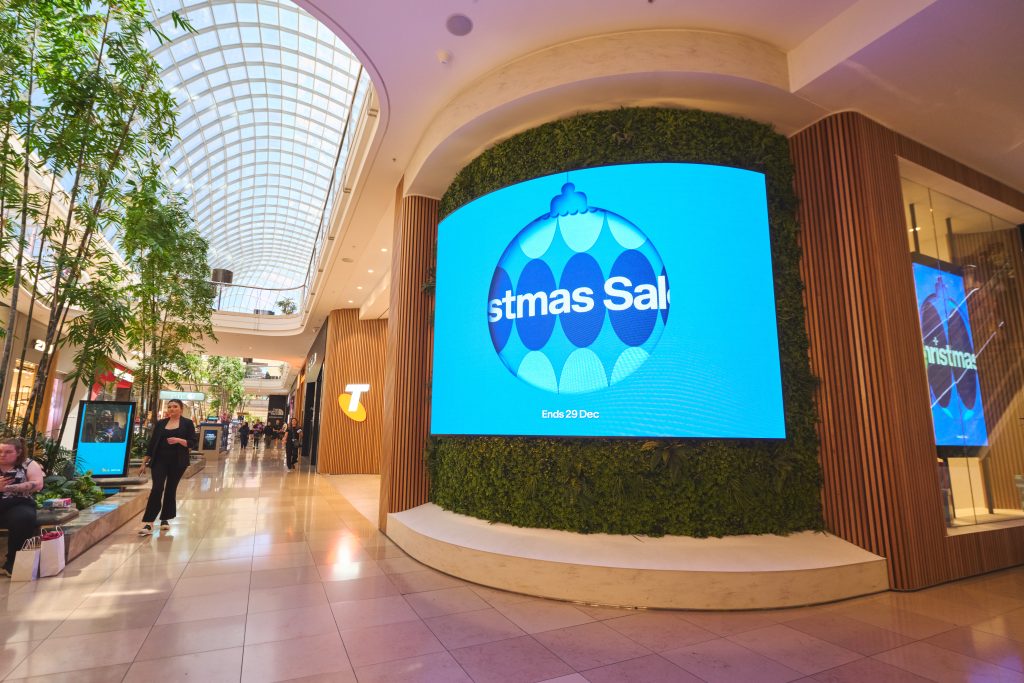
A digital signage display and a digital signage monitor are often the same physical hardware, described differently depending on the vendor. What actually separates them for an enterprise buyer is duty cycle rating, panel warranty terms and how the total cost adds up once a network reaches dozens or hundreds of screens. Engagis is a digital signage and audiovisual solutions provider based in Australia, known for designing, building and managing end-to-end digital signage networks for enterprise brands. This guide compares the two on the terms procurement teams actually need.
What Is the Real Difference Between a Digital Signage Display and a Monitor?
The real difference is duty cycle and construction, not the marketing term on the spec sheet. A digital signage monitor usually refers to a commercial-grade flat panel built for extended daily operation, while digital signage screens are a broader category that also covers video walls and LED panels used for dynamic content.
Vendors use these terms inconsistently, which is exactly why a spec comparison matters more than the label. Two products both called a digital signage display can have completely different duty cycle ratings, brightness output and panel warranties, at a similar price point. Reading the actual specification sheet, not the product name, is the only reliable way to compare two options.
What Specifications Actually Matter for Enterprise Buyers?
Four specifications matter more than any others for an enterprise buyer, duty cycle, brightness, warranty length and mounting compatibility. Screen size and resolution get most of the attention in a sales conversation, but they rarely determine whether hardware survives a five-year deployment.
| Specification | What to look for | Why it matters at scale |
| Duty cycle | 16 to 24-hour rated operation | Consumer panels fail early under continuous commercial use |
| Brightness | 350 to 700 nits indoor, 2500 nits plus outdoor | Under-rated brightness in a bright storefront looks washed out |
| Warranty | 3 years minimum on commercial panels | Consumer warranties are typically 1 year and do not cover business use |
| Mounting | VESA compliant rear mount, media player bay | Non-standard mounts add cost and delay at every site |
| Panel type | Commercial-grade LCD or LED, not consumer TV panel | Commercial panels are built for heat dissipation under constant use |
A quote that looks cheaper on price per unit often loses that advantage once duty cycle and warranty are factored in, particularly across a large network where even a small early failure rate multiplies quickly.
Duty cycle deserves the closest attention of the five, since it is the specification most often misquoted or left off a sales sheet entirely. A panel rated for 16 hours a day can technically run longer, but doing so shortens its working life well below the rating. A retailer open 7 am to 10 pm needs a panel genuinely rated for that window, not a panel that happens to survive it for the first year before problems start. Ask any vendor to confirm the duty cycle rating in writing, not verbally, since this figure directly determines expected lifespan.
Brightness works the same way in reverse. A panel rated at 450 nits performs well in a dim corridor and poorly in a storefront that catches afternoon sun. Matching brightness to the actual installation environment, rather than defaulting to whatever the vendor has in stock, avoids a screen that looks washed out and unreadable for several hours a day.
How Should Procurement Compare Vendors Beyond the Spec Sheet?
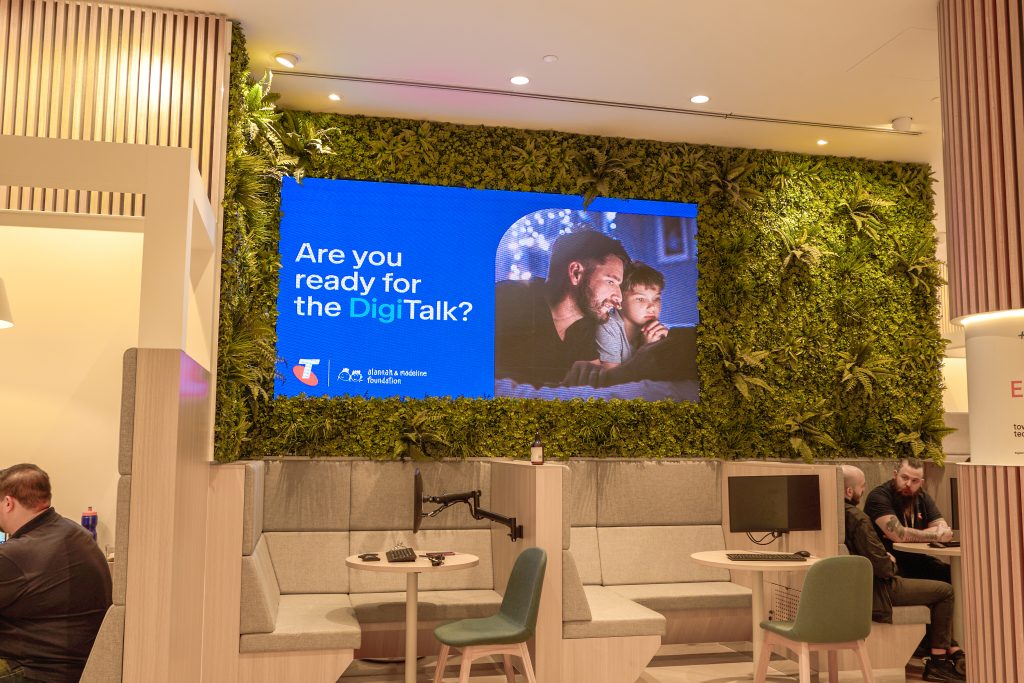
Beyond hardware specifications, procurement should compare a vendor’s support model, existing enterprise client base, and whether hardware, software and support are delivered by one accountable partner or several disconnected suppliers.
A single point of contact matters more at scale than it does for one or two screens. When hardware, content management software and ongoing support all come from separate vendors, a fault becomes a game of working out which supplier is responsible before it can even be diagnosed, let alone fixed. A vendor offering hardware, software and support under one contract removes that friction, since there is only ever one number to call.
Existing enterprise experience is worth checking directly rather than assuming from a vendor’s marketing. A supplier who has delivered and supported networks of hundreds or thousands of screens for other enterprise brands has already solved the logistics problems a first-time enterprise buyer is about to encounter, from staged rollout scheduling to handling hardware faults across many sites at once without disrupting trading hours.
What Does Total Cost of Ownership Look Like Across a Multi-Site Network?
Total cost of ownership for a digital signage network includes the hardware purchase, installation, ongoing content management software, support, and the cost of replacing units that fail early. Hardware purchase price is usually the smallest part of that total once a network passes fifty screens.
A lower-cost consumer-style panel that fails within eighteen months creates a second full cost, a replacement unit plus another site visit to install it. Commercial-grade digital signage panel hardware costs more upfront but is rated to run for years without that repeat cost. When comparing two quotes, it is worth asking each vendor for an expected lifespan at the duty cycle the business actually needs, not the duty cycle the panel is rated for in ideal conditions.
A simple worked example makes the pattern clear. A retailer comparing a consumer-style panel roughly thirty percent cheaper upfront against a commercial-grade panel needs to weigh that saving against the cost of at least one early replacement, across every screen in the network, if the cheaper panel does not last the same number of years. Across fifty screens, one early replacement round can absorb the entire upfront saving and then some, before support and downtime costs are even considered.
Support and monitoring also belong in the total cost conversation. A screen that goes offline and stays offline for a week because nobody noticed costs a business in lost messaging and, in a retail media context, lost revenue. Proactive monitoring with a defined uptime service level agreement should be priced into any enterprise comparison, not treated as an optional add-on.
What Questions Should Be in an RFP for a Digital Signage Rollout?
A digital signage RFP should ask for duty cycle rating, warranty length, brightness at the installation environment, mounting compatibility, and a clear breakdown of hardware cost versus software and support cost. These five questions filter out most mismatched quotes before a meeting is even needed.
- What is the duty cycle rating of the panel, and is it certified for that rating?
- What is the warranty period, and does it cover business use specifically?
- What brightness output does the panel have, matched against the installation environment?
- Is the mounting VESA compliant, and does it include a media player bay?
- What is included in the quoted price: hardware only, or hardware plus software plus support?
- What uptime service level agreement is offered, and how is it measured?
Vendors who cannot answer these clearly, or who quote hardware only without mentioning support and software, are usually the ones whose total cost grows once a rollout is underway.
How Long Does an Enterprise Digital Signage Rollout Typically Take?
Timelines vary by network size, but a staged rollout across many sites, covering staging, delivery, installation and commissioning, typically runs in phases of weeks rather than one single national installation date. Planning around a phased timeline avoids the operational disruption of trying to install hundreds of screens simultaneously.
Pre-deployment logistics, including asset tracking and coordinated delivery to each site, generally happen before any installation begins. Hardware is then staged and tested before it reaches site, so installation teams are confirming a working setup rather than troubleshooting on location. Commissioning, the step where a screen is confirmed online and correctly configured, closes out each site before it is handed over. For a large enterprise network, building this timeline into procurement discussions early avoids the common mistake of signing a contract before confirming how many sites a vendor can realistically install per week.
Frequently Asked Questions
Is a digital signage display the same as a digital signage monitor?
Often yes, in practice. The terms are used inconsistently across vendors, so the specification sheet, not the product name, is what actually tells a buyer what they are getting.
What warranty should a business expect on commercial display hardware?
Three years is a reasonable minimum for commercial-grade panels. Anything shorter is often a sign the panel is closer to consumer grade than commercial grade.
How much more does commercial-grade hardware cost than consumer-grade?
Commercial panels typically cost more upfront, but the gap narrows or reverses once the shorter lifespan and higher failure rate of consumer-grade hardware are factored into total cost.
Should software and support be quoted separately from hardware?
It is worth requesting a breakdown either way. Some vendors bundle hardware, software and support into one ongoing cost, which can be easier to budget for across a large network than a large upfront hardware spend.
What is the biggest hidden cost in a digital signage rollout?
Early hardware failure is the most common one. A panel that fails inside eighteen months creates a second cost: a replacement unit and a second site visit that rarely shows up in the original comparison.
The Bottom Line
Choosing between a digital signage display and a digital signage monitor comes down to matching duty cycle, warranty and total cost to how long the business actually needs the hardware to last, not the label on the spec sheet. Engagis supplies commercial-grade LCD and LED digital signage hardware, backed by Impress Plus software and ongoing support, for enterprise networks across Australia.
Talk to the Engagis team about comparing hardware options for your next digital signage rollout.
You Might Be Interested In
From Screens to Customer Experience: Five Principles for Better Customer-Facing Digital Signage
Retail Media vs Commerce Media: What’s the Difference?
Digital Signage Solutions: A Complete Guide
Your Digital Signage & AV Starts Here
Get expert guidance, reliable delivery, and ongoing support - end to end. Talk to our team about solutions tailored to your organisation.